The most expensive part of building an app has always been the wait. Months of sprints pass before anyone touches a working product, and budgets get burned on scaffolding before a single user has an opinion. AI-assisted development changes that maths, but only if you're honest about which parts it speeds up and which parts it doesn't.
This is how we split the work at Digital Sauce, with our GameTime build as the worked example.
The loop we actually use
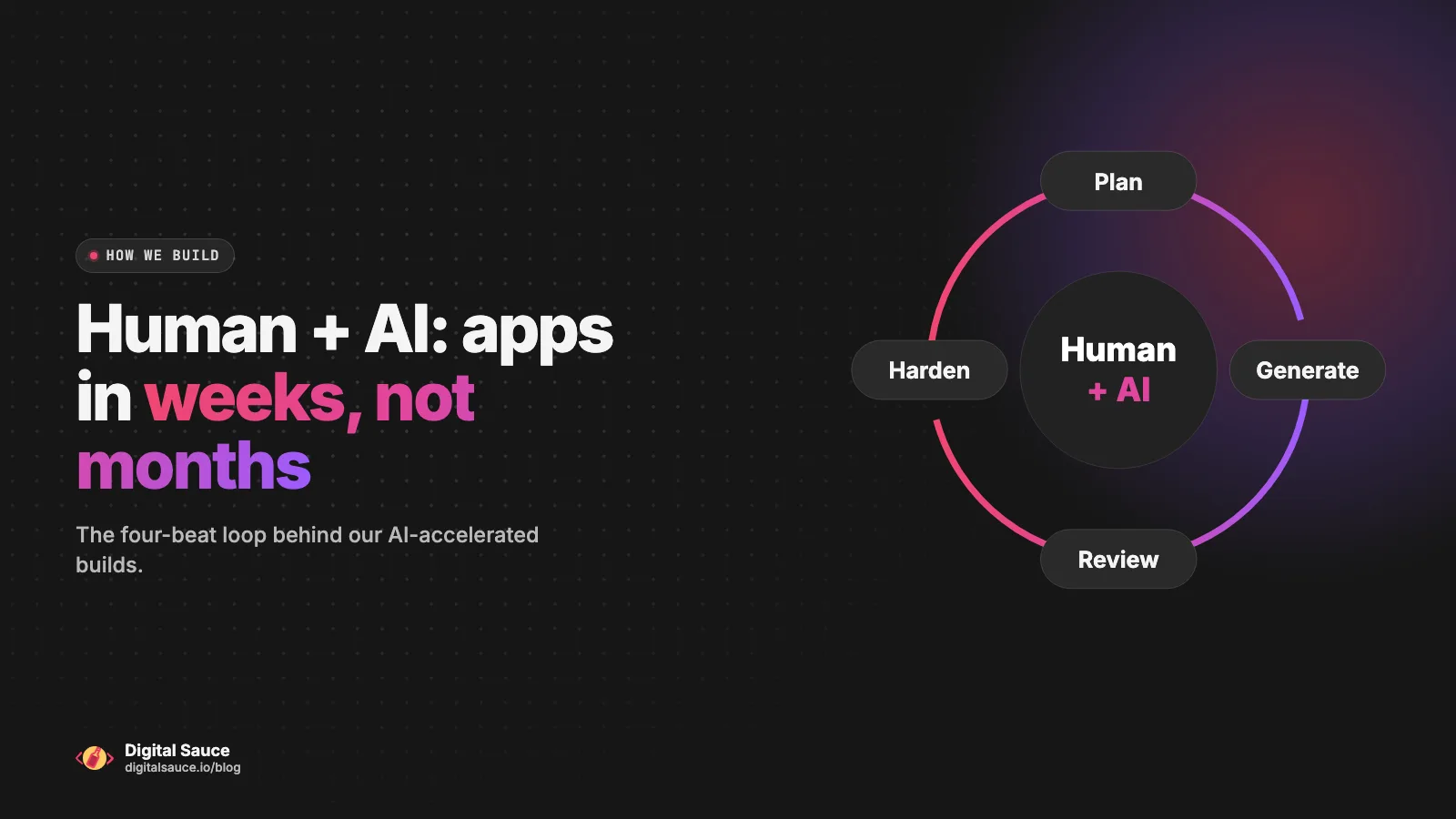
Every AI-accelerated project we run follows the same four steps. Tap each one to see who owns it, what goes in, what comes out, and what happens if you skip it.
The Human + AI loop
1. Design Humans
- Goes in
- The problem, who it's for, and what the business needs from it.
- Comes out
- Figma flows and screens, including the edge cases: empty states, errors, permissions.
- Skip it and
- AI builds whatever your prompt implied. It's fast, it's confident, and it's often the wrong product.
2. AI build AI, steered by a developer
- Goes in
- The Figma designs and a written spec.
- Comes out
- A testable prototype on real phones in days. We use tools like Cursor with Claude for scaffolding, UI assembly and glue code.
- Skip it and
- You're back to weeks of hand-written scaffolding before anyone can tap a button.
3. Human hardening Engineers
- Goes in
- The tested prototype and what real users said about it.
- Comes out
- Production architecture, security, performance, and the complex components the AI couldn't build.
- Skip it and
- You ship subtle bugs, shaky architecture and security holes, all with total confidence.
4. Ship Humans
- Goes in
- A hardened build.
- Comes out
- Releases on the App Store and Google Play, crash monitoring, and the next round of changes.
- Skip it and
- Store reviews bounce you, nobody sees the crashes, and you're guessing at what users actually do.
Who does what? Guess before you look
People tend to overestimate AI at some jobs and underestimate it at others. Pick who you think owns each task on our projects, then see how we actually split it.
AI, human or both?
Turning Figma screens into working UI code
AIThis is where AI shines. A developer still checks it matches the design.
Deciding what the app should actually do
HumanAI doesn't decide what's worth building. People who've talked to the users do.
Boilerplate, glue code and wiring up APIs
AIThe repetitive bulk of a codebase is exactly what AI is fastest at.
Sign-in, permissions and keeping secrets out of the app
HumanAI-written code will happily put an API key where anyone can find it. Security gets a human.
Writing automated tests
BothAI drafts tests quickly. Engineers decide which behaviour is worth testing and catch tests that only test themselves.
The data model and overall architecture
HumanThese are the decisions that are expensive to change later, so an engineer owns them.
Trying three versions of a screen in one afternoon
AICheap variations mean you can test ideas with users instead of arguing about them.
Getting through App Store and Google Play review
HumanPrivacy labels, account deletion, review notes: this is judgement and experience, not code generation.
What that looked like: GameTime
GameTime helps friends schedule gaming sessions across different time zones. It replaces the 40-message group chat with one radial view of when everyone's free, and cuts group scheduling time by around 30 minutes per session. It has real scheduling logic and runs on iPhone and Android.
We designed it in Figma, prototyped it with AI-assisted development, then our engineers hardened it and shipped it to both app stores. It went from first design to deployment in four months, about a third of a typical agency timeline.
First design to both app stores
That didn't happen because AI is magic. It happened because the boring bulk of a codebase no longer eats the bulk of the calendar, so the senior hours went into the parts users actually notice.
The hardening checklist
AI-assisted development produces fast code, not finished products. Left unreviewed, it ships subtle bugs and security holes with total confidence. This is the kind of list our engineers work through before an AI-built app goes anywhere near a store. If you've got a prototype of your own, tick off what it already covers.
Before it ships
The part nobody puts in the sales deck
Speed is easy to sell and easy to fake. A demo that took a weekend can look a lot like a product that took four months, right up until real users, real data and an App Store reviewer get hold of it. That's why our loop ends with humans whose names are on the work: the speed comes from AI, but the quality still comes from craft.
Questions people ask us
How long does a Human + AI app build take?
A working prototype usually takes days. A full product still takes months, just fewer of them: GameTime went from first design to both app stores in four months, about a third of a typical agency timeline.
Which AI tools do you use?
We design in Figma and build with AI-assisted development tools such as Cursor with Claude. The tools change quickly. The loop of design, AI build, human hardening and shipping doesn't.
Does AI replace designers and engineers?
No. AI speeds up the build step. Designers still decide what's worth building, and engineers still own the architecture, security, performance and the complex parts AI can't deliver.
Read next
- What AI pair-programming changesWhere AI coding helps day to day, and where it doesn't
- A Mac app in four hoursAn early experiment building with Cursor AI
- GameTime case studyThe four-month Human + AI build
- AI-accelerated developmentHow we run Human + AI projects for clients
Got a deadline that scares you? Tell us the date and we'll tell you honestly what Human + AI can ship by then.
Last updated 10 November 2026.