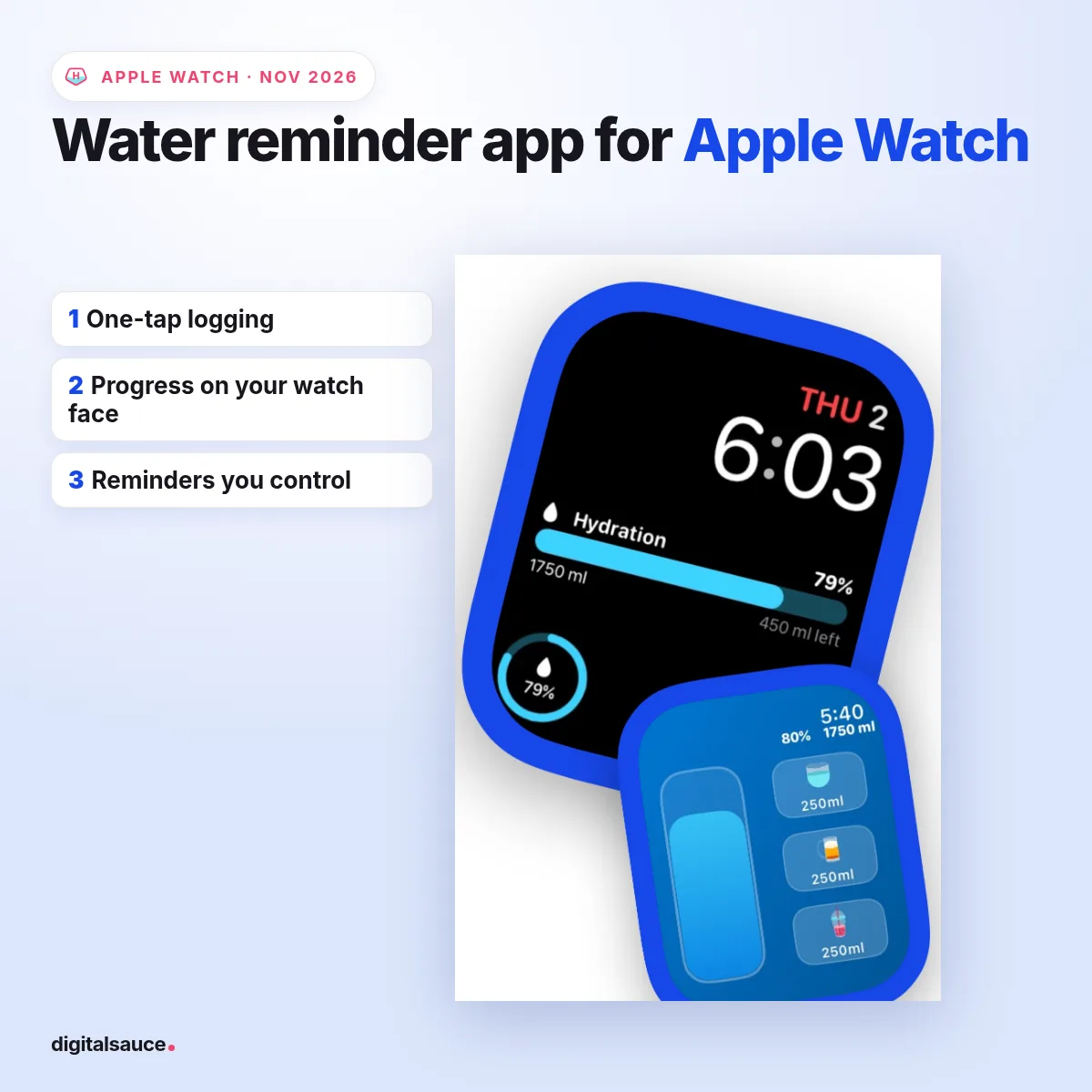
The best water reminder app for Apple Watch is one that lets you log a drink in one tap on your wrist and shows your progress on the watch face. Waterllama, WaterMinder, Waterful and my own app, Hydration Hero, all do that, as of November 2026; the right pick depends on whether you want a cute character, a standalone watch app or the lowest cost.
TL;DR
- Apple Watch has no built-in water app. The Health app stores water, but other apps (or a Shortcut) have to log it.
- Look for: one-tap logging on the watch, a watch-face complication, reminders you can space out, and Apple Health sync.
- Cute and popular: Waterllama. Standalone watch app: WaterMinder. Weather-aware goal and characters: Hydration Hero.
- Free, no app: a repeating reminder in the Reminders app plus a Shortcut that logs water to Health.
I'm Sanket, and I make Hydration Hero at my studio in Melbourne, so I'm biased; I've kept the comparison to what each app's own App Store listing says. I'm not a doctor, and the health bits here come from healthdirect.
Does Apple Watch have a built-in water reminder?
No. As of November 2026, Apple Watch doesn't come with a water-logging app or a hydration reminder, and it can't sense how much you drink. The Health app on iPhone has a Water category under Nutrition, but something else has to log the water there.
You have two free ways around that without a dedicated app:
- Reminders: make a reminder such as "Drink a glass of water" and set it to repeat. Your watch will tap your wrist each time.
- Shortcuts: build a Shortcut with the "Log Health Sample" action set to Water and 250 ml, then run it from your watch.
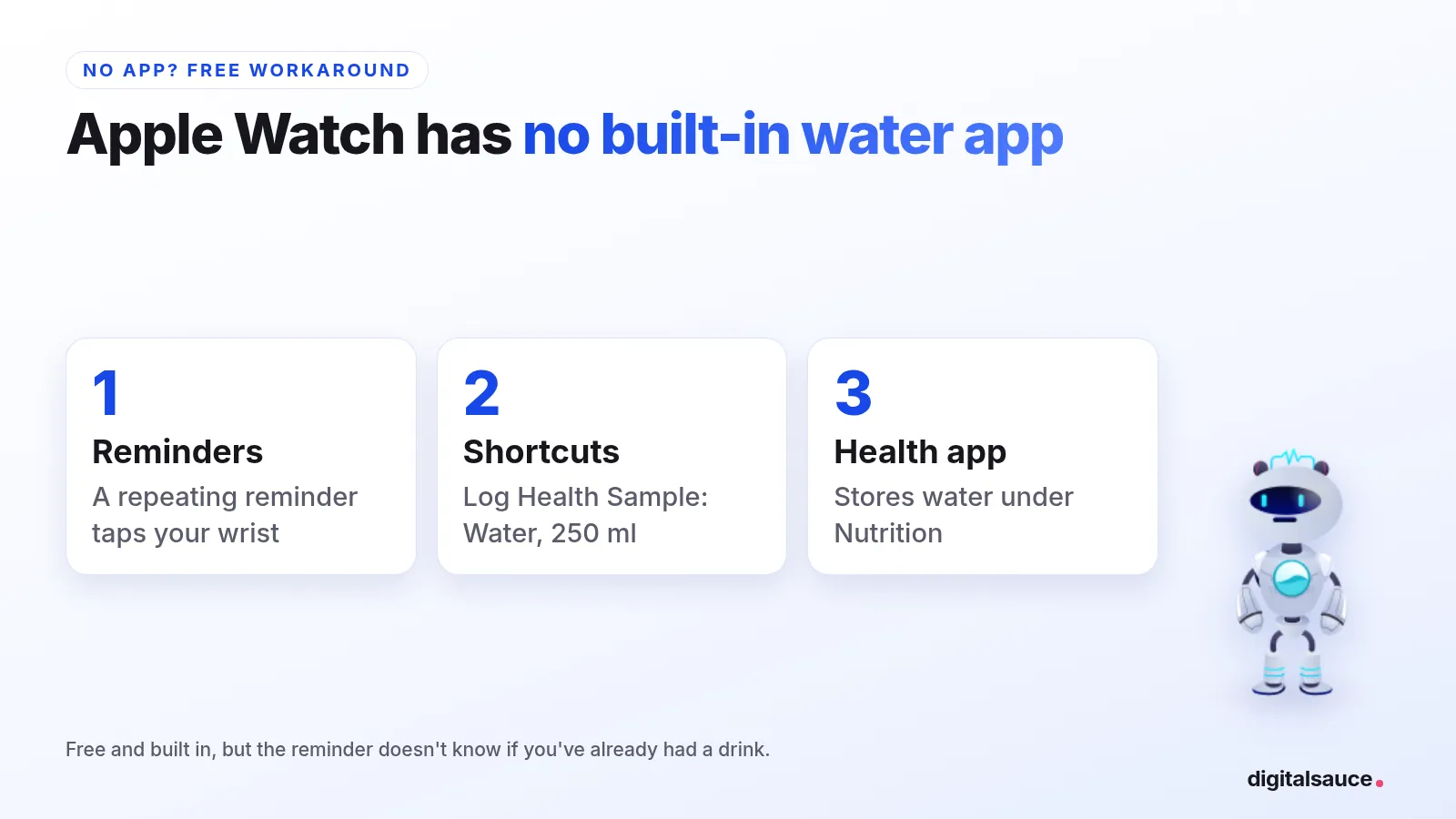
It works, but it's clunky: the reminder doesn't know whether you've already had a drink, and there's no goal or progress on your watch face. That's the gap the apps below fill.
What should a water reminder app do on Apple Watch?
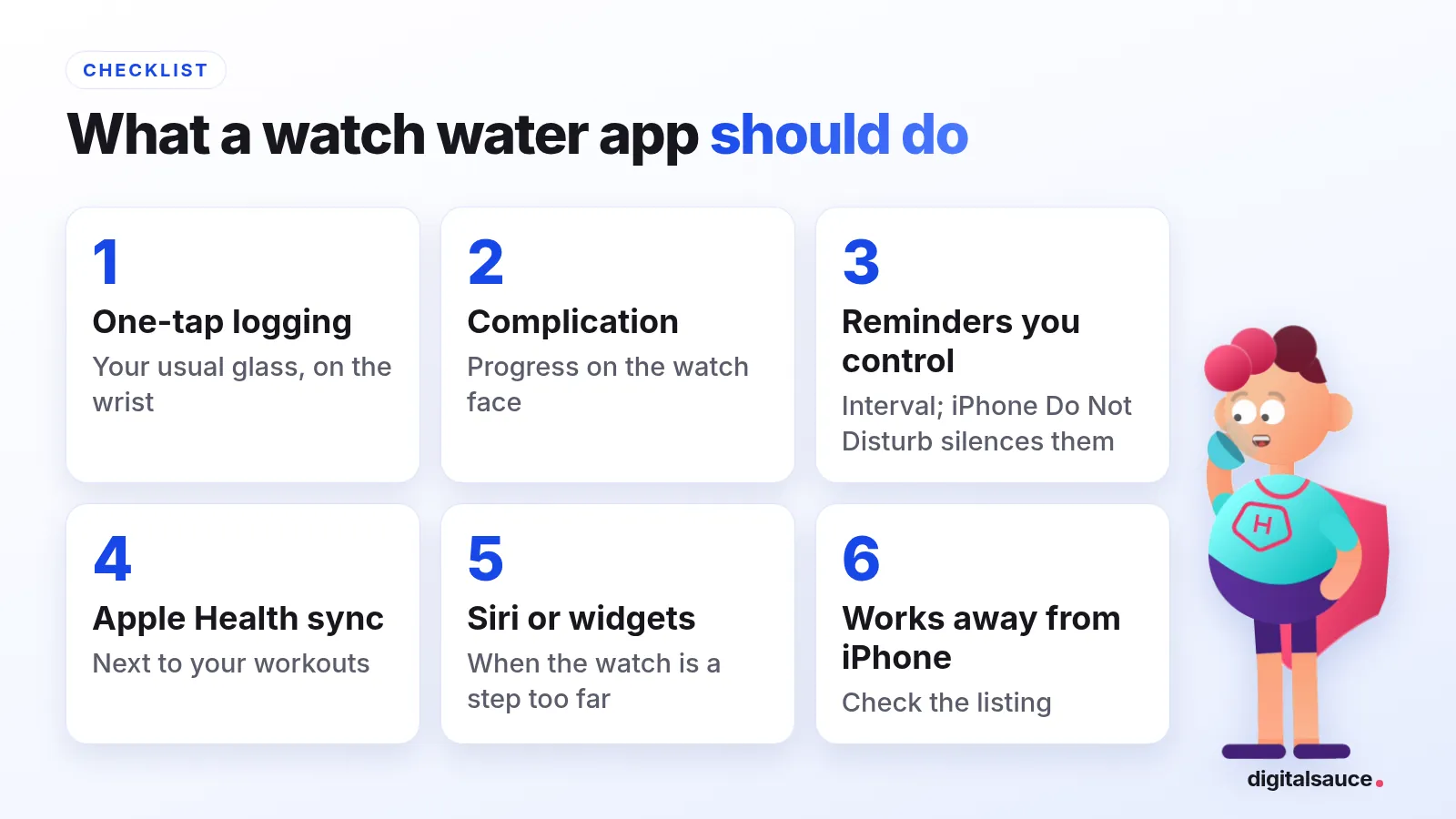
On the wrist, speed is everything. If logging takes more than a tap or two, you'll stop doing it. Here's what I'd look for:
- One-tap logging of your usual glass or bottle, right on the watch.
- A watch-face complication that shows how much you've had, so you see it every time you check the time.
- Reminders you control: an interval you choose, and a way to keep nights quiet, whether an in-app setting or your iPhone's own Do Not Disturb (an iOS setting that silences every app).
- Apple Health sync, so your water sits next to your workouts and other data.
- Siri or widgets for when the watch app is one step too far.
Whether it keeps working without your iPhone nearby matters if you run or swim with just the watch. WaterMinder calls its watch app standalone, and Hydration Hero's watch app logs drinks without the iPhone nearby; for the others, check the listing.
Which water apps work best on Apple Watch?
Here's how four popular water apps and the no-app option compare on Apple Watch, from their App Store listings on 5 November 2026.
| App | On Apple Watch | Quick logging | Apple Health | Price model | App Store rating |
|---|---|---|---|---|---|
| Hydration Hero (mine) | Watch app with watch-face complications; logs without your iPhone nearby | One wrist tap, Siri, home and lock screen widgets | Writes your water to Apple Health if you allow access | Free, optional in-app purchases | 5.0 from 16 ratings (AU) |
| Waterllama | Apple Watch app with reminders | Widgets (home, lock screen, Control Centre), Siri and Shortcuts | Syncs water, caffeine and dietary energy | Free; premium as a subscription or one-time purchase | 4.9 from about 164,000 ratings |
| WaterMinder | Standalone Apple Watch app | Home and lock screen widgets, Siri Shortcuts | Apple Health sync | Free; subscription with a 7-day trial | 4.7 from about 35,700 ratings |
| Waterful | Apple Watch app | Widgets, Siri Shortcuts | Apple Health integration | Free download | 4.8 from 620 ratings |
| No app: Reminders + Shortcuts | Reminders app taps your wrist | A Shortcut that logs water to Health | Writes to Health via Shortcuts | Free, built in | n/a |
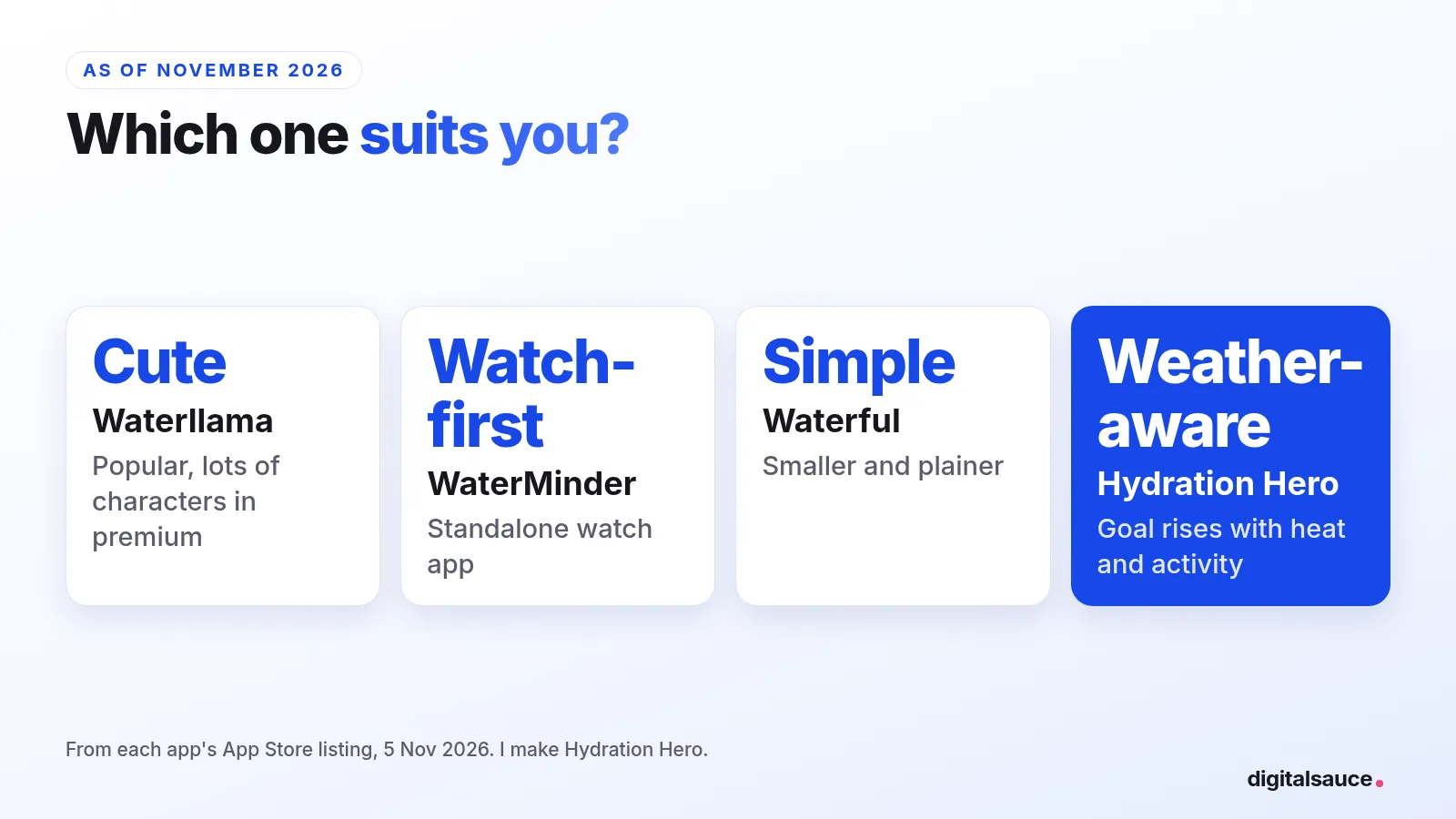
Waterllama is the most popular of the cute ones, with a llama and a lot of characters, challenges and drinks behind its premium tier. WaterMinder is the most watch-focused, with a standalone watch app. Waterful is simpler and smaller. All three are free to download with paid extras, so you can try each before you pay. For a wider roundup, including phone-only picks, see the best water tracker apps, and for a head-to-head, Hydration Hero vs WaterMinder.
How does Hydration Hero work on Apple Watch?
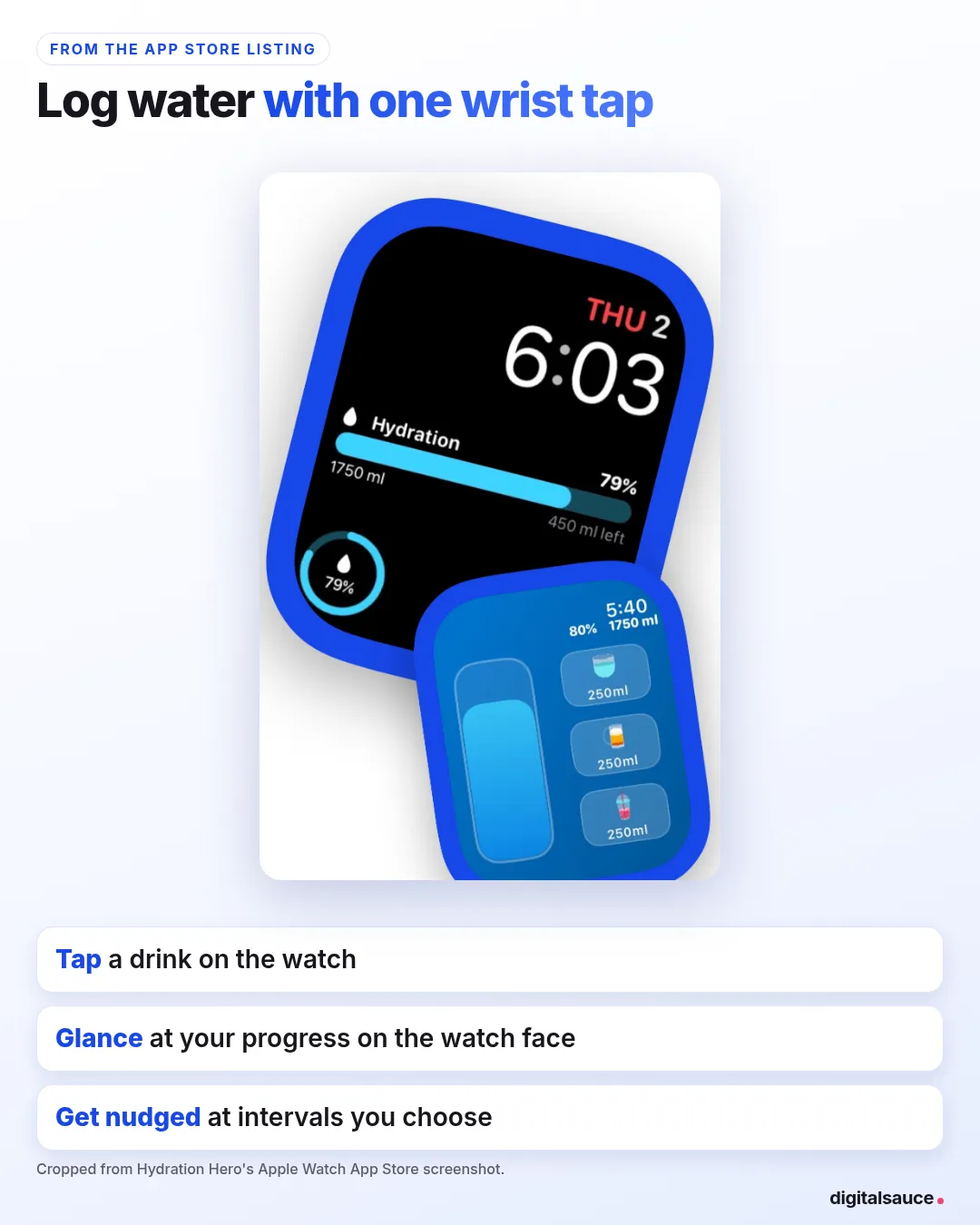
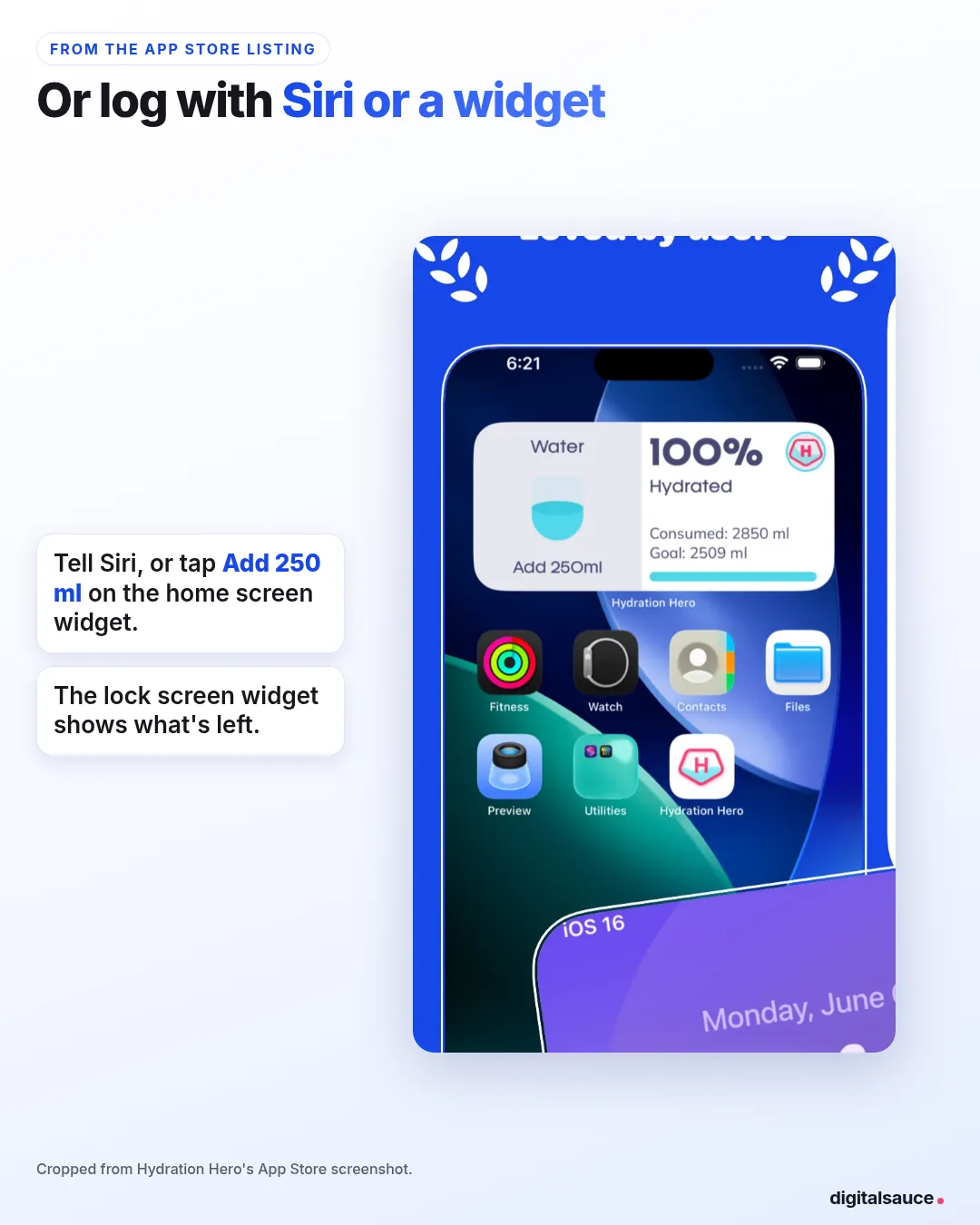
On Apple Watch you log water with one wrist tap, choosing from quick-add drinks, and your hero gets every sip, which is how the App Store listing puts it. You can log a drink on the watch without your iPhone nearby, and watch-face complications show your progress and how much is left for the day. If you allow access, it writes your water to Apple Health. On iPhone you can log with Siri or a home or lock screen widget.
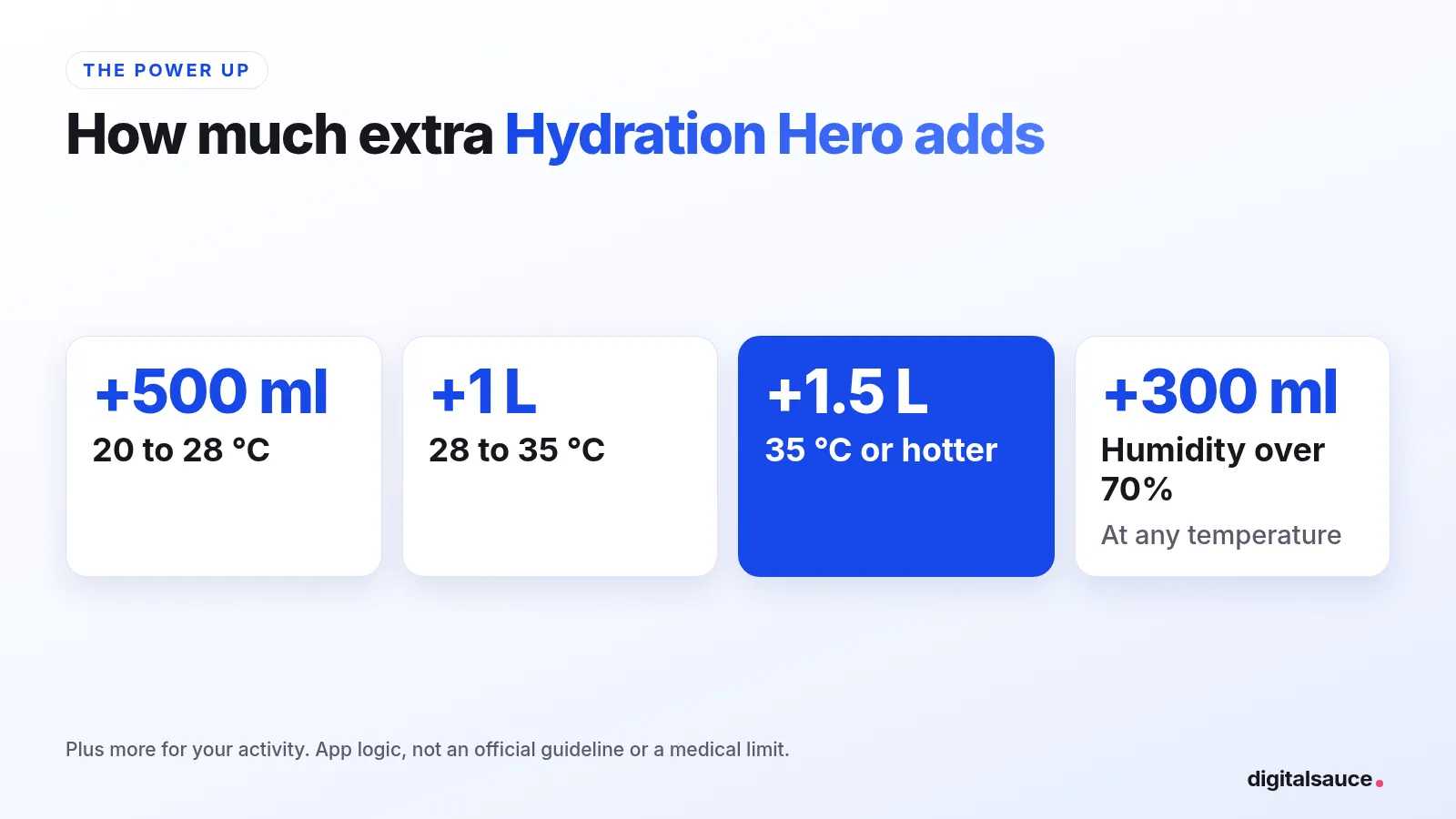
Where it differs is the goal. Its Power Up raises your daily goal with the weather and your activity: on a hot day it adds 500 ml at 20 to 28 °C, 1 litre at 28 to 35 °C and 1.5 litres at 35 °C or hotter, plus 300 ml when humidity is over 70%. That's my app's logic, not a medical limit.
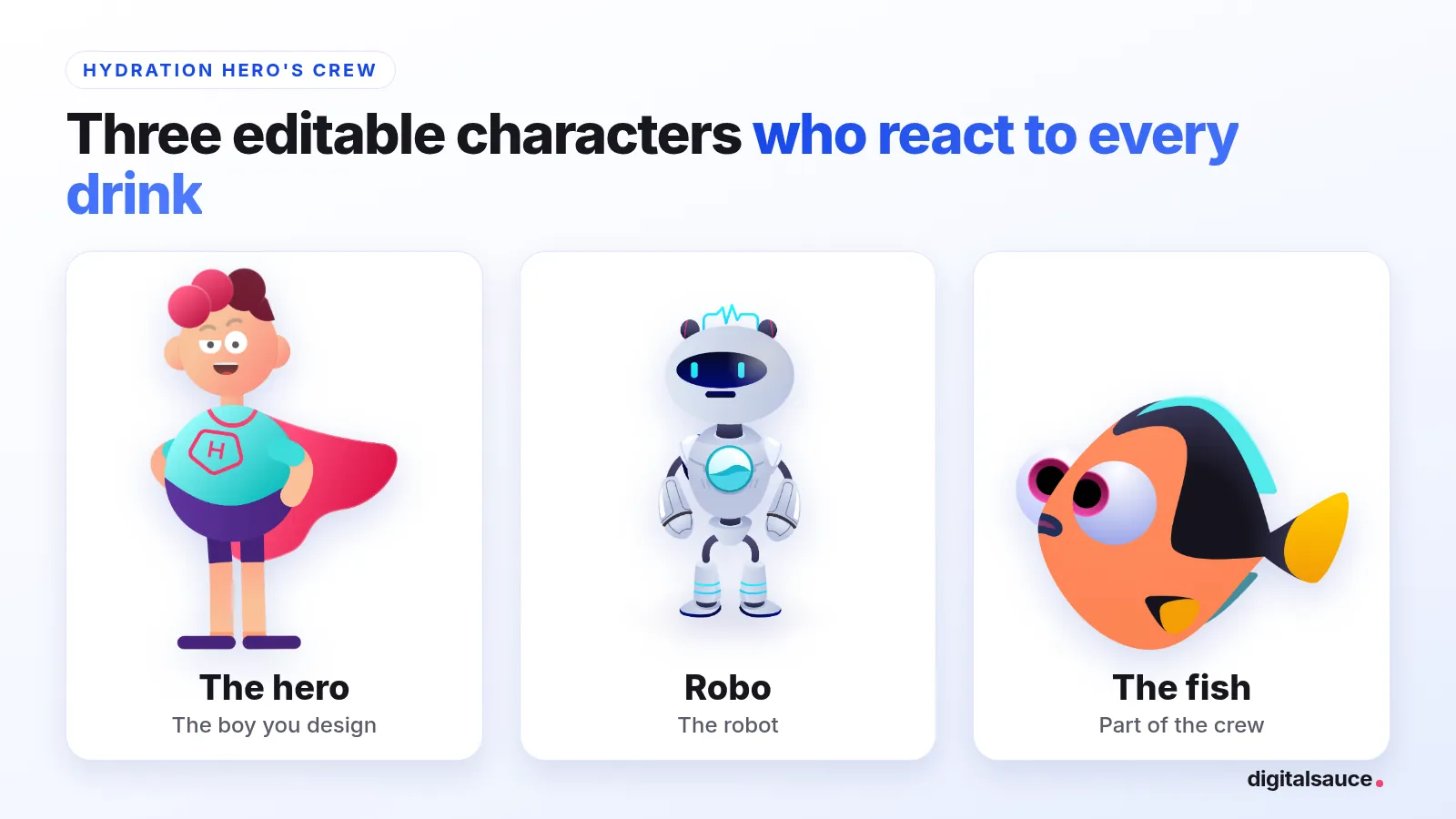
And it's a little game. You pick one of three characters you can edit (the hero, Robo the robot or a fish), and they react to every drink you log, a bit like a Tamagotchi. Reminders arrive at intervals you choose. Hydration Hero has no quiet-hours setting of its own, but your iPhone's own Do Not Disturb (an iOS setting, not an app setting) silences notifications from every app, including Hydration Hero.
Where it isn't the best fit: if you want hundreds of characters, Waterllama has more. If you want a quiet-hours schedule inside the app, it doesn't have one; use your iPhone's own Do Not Disturb (an iOS setting) to silence it at night. And it's a habit tool, not a medical device.
How often should a water app remind you?
There's no official interval. A practical approach is to spread your daily goal across your waking hours in glass-sized amounts. healthdirect's everyday guide for adults is about 2.1 to 2.6 litres of fluids a day, more in hot weather and when you exercise, and food and other drinks count too.
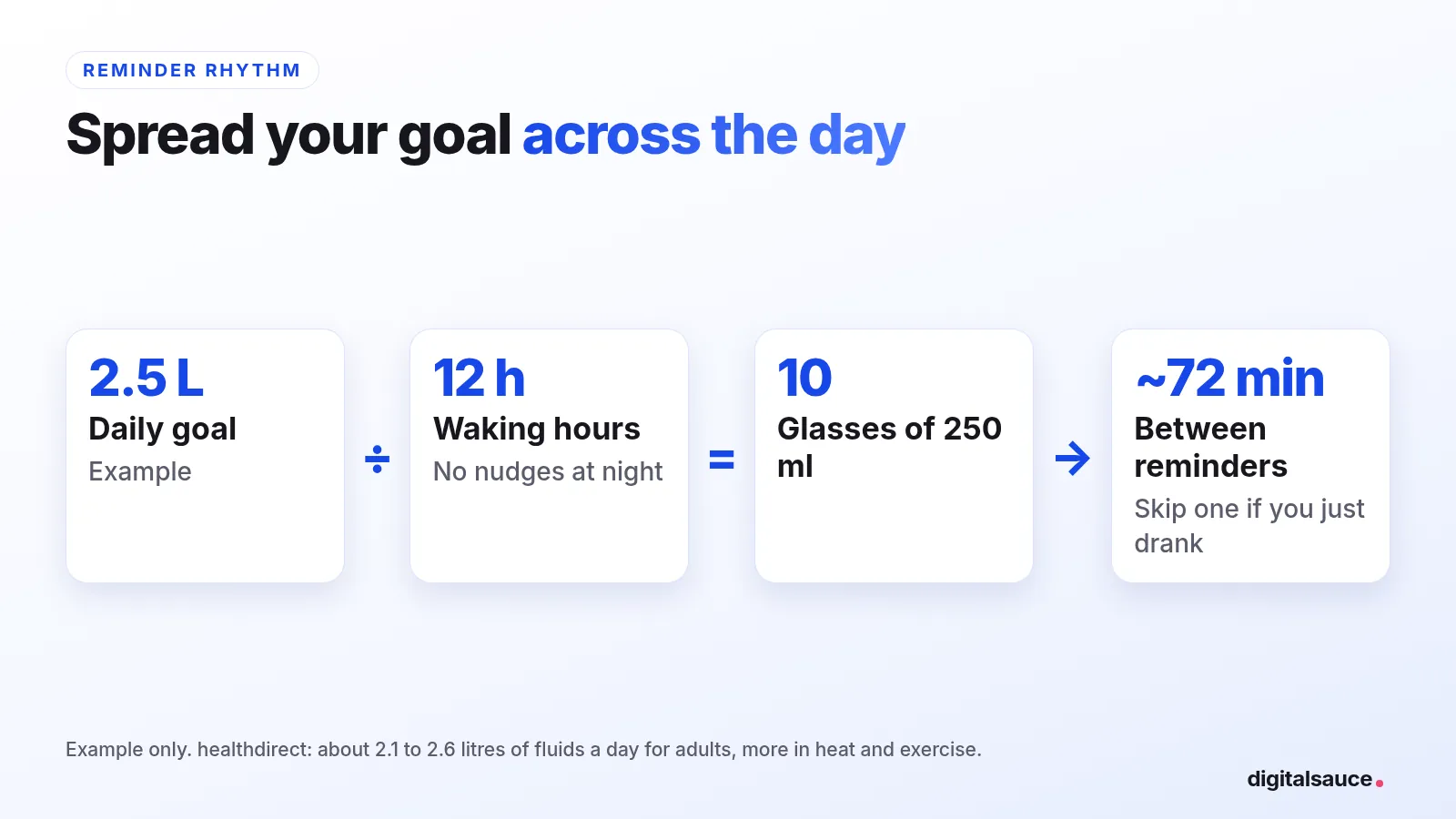
Try it: how far apart should your reminders be?
10 reminders, about every 72 minutes, one 250 ml glass each time.
If a reminder comes and you've just had a drink, skip it. And if your doctor has told you to limit fluids, follow their number, not an app's. Work out your own goal with the free water intake calculator.
General information, not medical advice. In an emergency in Australia, call 000.
Frequently asked questions
Does Apple Watch have a built-in water reminder?
No. As of November 2026, Apple Watch has no built-in water-logging app or hydration reminder. The Health app stores water data, but you need a third-party app, or a Reminders reminder plus a Shortcut, to log water and get nudges on your wrist.
Can I log water without my iPhone?
It depends on the app. Hydration Hero lets you log a drink on Apple Watch without your iPhone nearby, and WaterMinder describes its Apple Watch app as standalone. Other apps may sync through your iPhone, so check each App Store listing before you rely on logging without your phone nearby.
Is Hydration Hero on Android?
Yes. Hydration Hero is on Android as well as iPhone, iPad and Apple Watch. It's free to download, with optional in-app purchases.
Related reading
- The best water tracker apps: a wider roundup, including phone-only apps
- Hydration Hero vs WaterMinder: the two compared head to head
- Water intake calculator: your daily number, adjusted for exercise and weather
- How to drink more water: habits that make it stick
- Hydration Hero: the water tracker with weather-adjusted goals and characters that react to every drink
- Waterllama vs Hydration Hero: two cute water trackers compared
- All posts on the blog
Sources
- Water tracker Waterllama, App Store listing (checked 5 November 2026)
- Water Tracker by WaterMinder, App Store listing (checked 5 November 2026)
- Waterful Drink water tracker, App Store listing (checked 5 November 2026)
- Hydration Hero: Water Reminder, App Store listing (checked 5 November 2026)
- Drinking water and your health, healthdirect Australia (last reviewed December 2025)
Written by Sanket Singh, founder of Digital Sauce (I make Hydration Hero), and checked against the App Store listings above on 5 November 2026. General information, not medical advice. In an emergency in Australia, call 000.