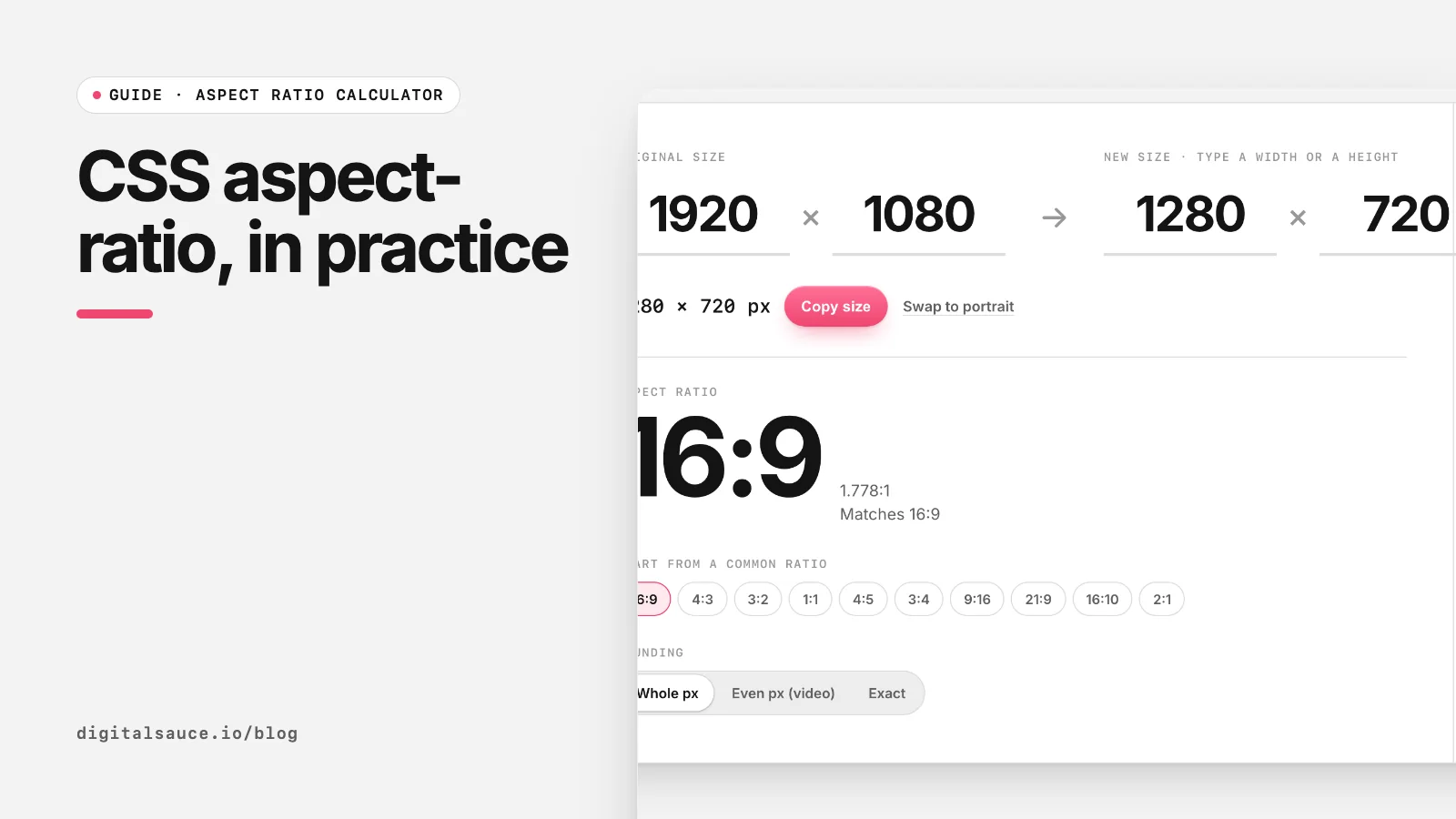
Before aspect-ratio, keeping a box in proportion took a wrapper with padding-top: 56.25%. Now it is one line. Below are the patterns we use most on client sites. To work out a ratio from pixel sizes, use the aspect ratio calculator.
How does aspect-ratio work?
.video { width: 100%; aspect-ratio: 16 / 9; }
.avatar { width: 64px; aspect-ratio: 1; }
Give the box one dimension (usually width) and the ratio, and the browser calculates the other. A single number like 1 means 1 / 1. If you set both width and height, the ratio is ignored. MDN has the full reference, including the auto keyword for replaced elements (MDN: aspect-ratio).
.box { width: …; aspect-ratio: 16 / 9; }Responsive video embeds
.embed iframe { width: 100%; height: auto; aspect-ratio: 16 / 9; border: 0; }
That replaces the classic hack, which used a wrapper with position: relative; padding-top: 56.25% (9 ÷ 16 = 0.5625) and an absolutely positioned iframe. You may still see the hack in older code; it works, but there is no need to write it today.
Images: aspect-ratio plus object-fit
.card img { width: 100%; aspect-ratio: 4 / 3; object-fit: cover; }
This gives every card image the same 4:3 shape, cropping from the centre instead of squashing. Use object-fit: contain to show the whole image with letterboxing, and object-position to choose which part survives the crop.
Width and height attributes still matter
Always put width and height attributes on <img> tags. Modern browsers use them to work out the image's aspect ratio before it loads and reserve the right space, which prevents the page jumping (cumulative layout shift) (web.dev: Optimize CLS). With img { max-width: 100%; height: auto; } in your CSS, the image still scales responsively.
Change the ratio on mobile
.hero { aspect-ratio: 21 / 9; }
@media (max-width: 700px) { .hero { aspect-ratio: 4 / 5; } }
A wide desktop banner becomes a taller crop on phones, where a 21:9 strip would be tiny. Pair it with object-fit: cover on the image inside. The aspect ratio cheat sheet lists the usual choices, and how to calculate aspect ratio shows the maths.
Common gotchas
- Content can override it. If text inside the box is taller than the ratio allows, the box grows. Add
overflow: hiddenormin-height: 0if you need a strict shape. - Setting a height wins. A fixed height plus
aspect-ratioignores the ratio. Set only one dimension. - Use the slash. Write
16 / 9, not16:9, which is invalid CSS.
Aspect ratio calculatorFind the ratio of any size and work out the missing width or height. Free, no sign-up, runs in your browser.
Open the tool →FAQ
What does aspect-ratio do in CSS?
It sets the preferred width-to-height ratio of a box. Give the element a width and the browser calculates the height, or the other way round.
Is CSS aspect-ratio supported in all browsers?
It is supported in all current major browsers, including Chrome, Edge, Firefox and Safari. Check MDN for details if you support very old versions.
How do I make a 16:9 box in CSS?
Set width: 100% and aspect-ratio: 16 / 9 on the element. The height is calculated automatically and stays in proportion as the width changes.
What replaced the padding-top 56.25% trick?
The aspect-ratio property. The old trick used padding as a percentage of the width to fake a height; aspect-ratio does the same job in one declaration.
Why is my aspect-ratio not working?
Usually because a height is also set, or the content is taller than the ratio allows. Remove the fixed height, and add overflow: hidden or min-height: 0 if content is pushing the box taller.
Read next
- Common aspect ratios cheat sheet16:9, 4:3, 1:1, 9:16, 21:9 and their pixel sizes
- How to calculate aspect ratio (formula and examples)The GCD method and the resize formula, with worked examples
- How to calculate aspect ratio (formula and examples)The GCD method and the resize formula, with worked examples
- Aspect ratio calculatorFind the ratio of any size and work out the missing width or height
- All free design toolsConverters, calculators and colour tools
Last updated 16 November 2026. Sources are linked in the text. Spotted something out of date? Email development@digitalsauce.io.