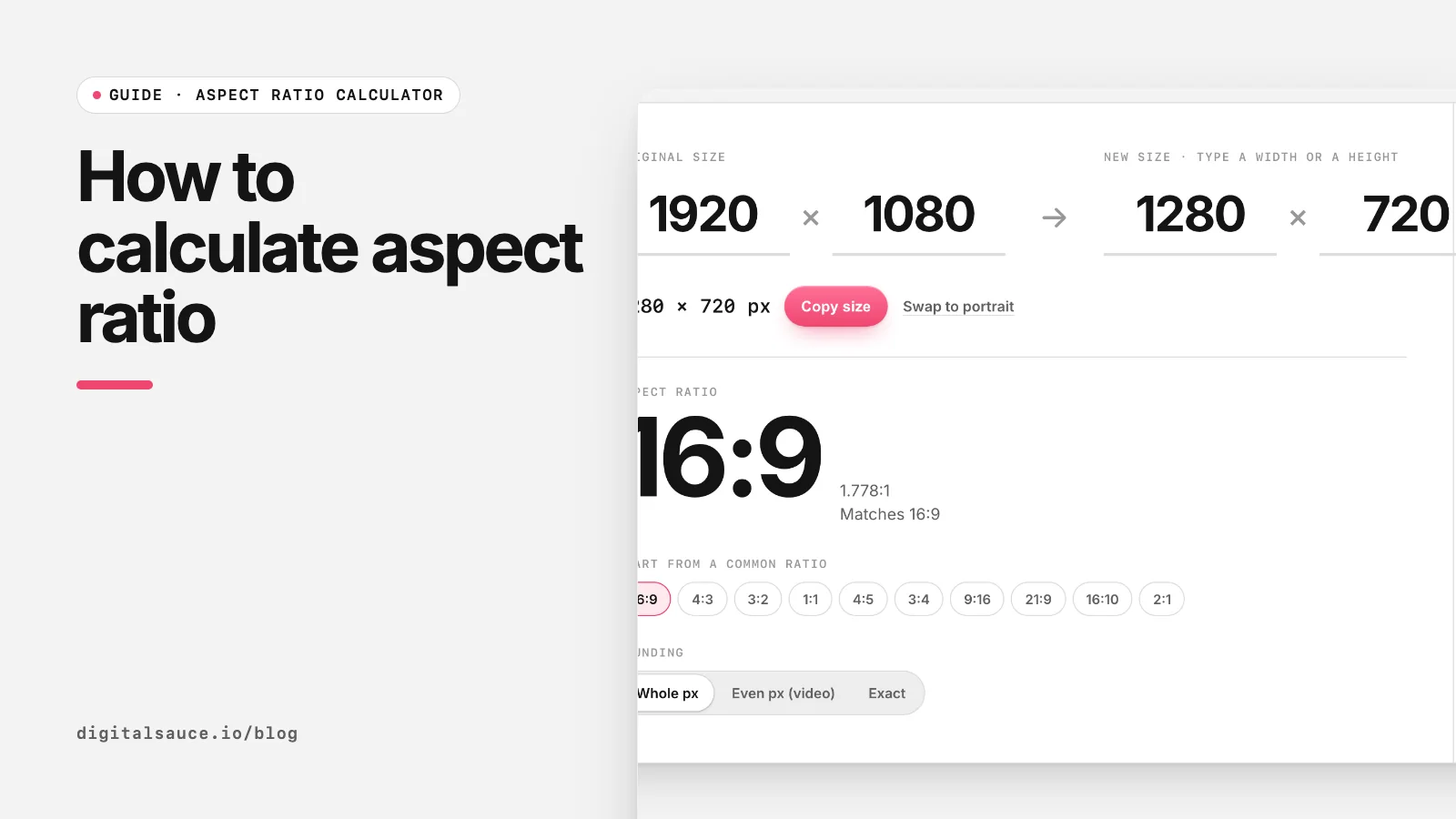
You need two small bits of maths: one to find the ratio, and one to keep it when you change the size. Both are below with worked examples, or let our free aspect ratio calculator do it as you type.
Step 1: find the ratio
Find the greatest common divisor (GCD), the largest number that divides both sides exactly, then divide both sides by it.
- Take the larger side and divide it by the smaller: 1920 ÷ 1080 = 1 remainder 840.
- Repeat with the smaller side and the remainder: 1080 ÷ 840 = 1 remainder 240, then 840 ÷ 240 = 3 remainder 120, then 240 ÷ 120 = 2 remainder 0.
- The last number you divided by, 120, is the GCD.
- Divide both sides by it: 1920 ÷ 120 = 16 and 1080 ÷ 120 = 9. The ratio is 16:9.
- 1920 ÷ 1080 = 1 r 840
- 1080 ÷ 840 = 1 r 240
- 840 ÷ 240 = 3 r 120
- 240 ÷ 120 = 2 r 0
- GCD 120
- 16:9
That method is Euclid's algorithm, and it is exactly what the calculator runs.
Step 1b: or use a decimal
Sometimes a decimal is clearer than a ratio. Divide width by height: 1920 ÷ 1080 = 1.78, written as 1.78:1. Film formats are usually described this way, such as 1.85:1 and 2.39:1. Decimals are also the quickest way to compare two sizes: if the decimals match, the shapes match.
Step 2: resize without stretching
new height = new width × original height ÷ original width
new width  = new height × original width ÷ original height
| Original | Change | Maths | Result |
|---|---|---|---|
| 1920 × 1080 | Width to 1280 | 1280 × 1080 ÷ 1920 | 1280 × 720 |
| 4032 × 3024 | Width to 1600 | 1600 × 3024 ÷ 4032 | 1600 × 1200 |
| 1080 × 1350 | Height to 1000 | 1000 × 1080 ÷ 1350 | 800 × 1000 |
| 16:9 | Height to 500 | 500 × 16 ÷ 9 | 888.9, so 889 × 500 (or 888 × 500 for video) |
What about decimals in the result?
Pixels are whole numbers, so round to the nearest one. The shape changes by a fraction of a pixel, which nobody can see. For video, round to an even number, because many encoders need even dimensions. The calculator has a toggle for whole, even or exact values.
How to check two sizes have the same ratio
Cross-multiply: two sizes match if width A × height B equals width B × height A. For 1920 × 1080 and 1280 × 720: 1920 × 720 = 1,382,400 and 1280 × 1080 = 1,382,400. Same shape.
For the common ratios and their standard sizes, see the aspect ratio cheat sheet. To apply a ratio in a web layout, see CSS aspect-ratio.
Aspect ratio calculatorFind the ratio of any size and work out the missing width or height. Free, no sign-up, runs in your browser.
Open the tool →FAQ
What is the formula for aspect ratio?
Aspect ratio is width divided by height. To write it as whole numbers, divide both by their greatest common divisor, for example 1920 × 1080 becomes 16:9.
How do I calculate the height from a width and ratio?
Multiply the width by the second number of the ratio and divide by the first. For 16:9 at 1280 wide: 1280 × 9 ÷ 16 = 720.
How do I find the aspect ratio of an image?
Check its pixel width and height in your file browser or image editor, then simplify them, or type them into an aspect ratio calculator.
What is 1.78:1 as a ratio?
It is 16:9. Dividing 16 by 9 gives 1.777…, which rounds to 1.78.
Can an aspect ratio have decimals?
Yes. Film formats are often written as decimals, such as 1.85:1 or 2.39:1. They are the same idea as whole-number ratios, just compared with 1.
Read next
- Common aspect ratios cheat sheet16:9, 4:3, 1:1, 9:16, 21:9 and their pixel sizes
- CSS aspect-ratio: keep images and videos in proportionResponsive embeds and image boxes without the padding hack
- Common aspect ratios cheat sheet16:9, 4:3, 1:1, 9:16, 21:9 and their pixel sizes
- Aspect ratio calculatorFind the ratio of any size and work out the missing width or height
- All free design toolsConverters, calculators and colour tools
Last updated 16 November 2026. Sources are linked in the text. Spotted something out of date? Email development@digitalsauce.io.