The tools
SVG to PNG converter
Turn SVG files into sharp PNGs at 1x to 4x or any exact size.
Open tool →
ICO converter
PNG, JPG or SVG to a multi-size ICO file and a full favicon set.
Open tool →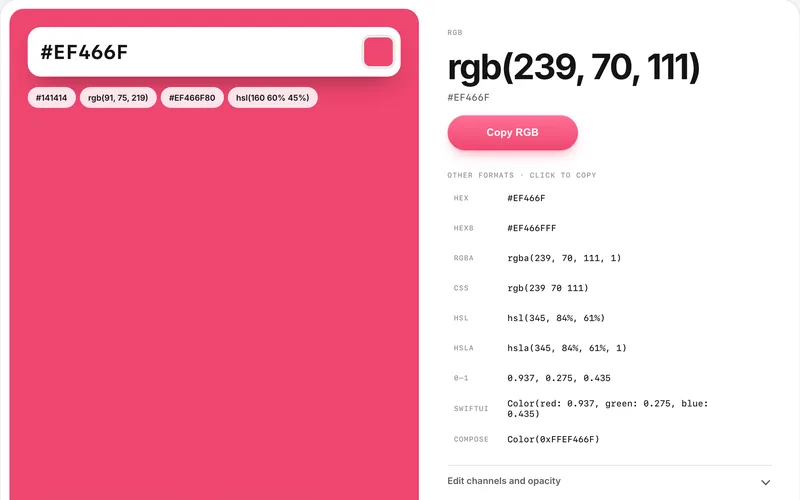
Hex to RGB converter
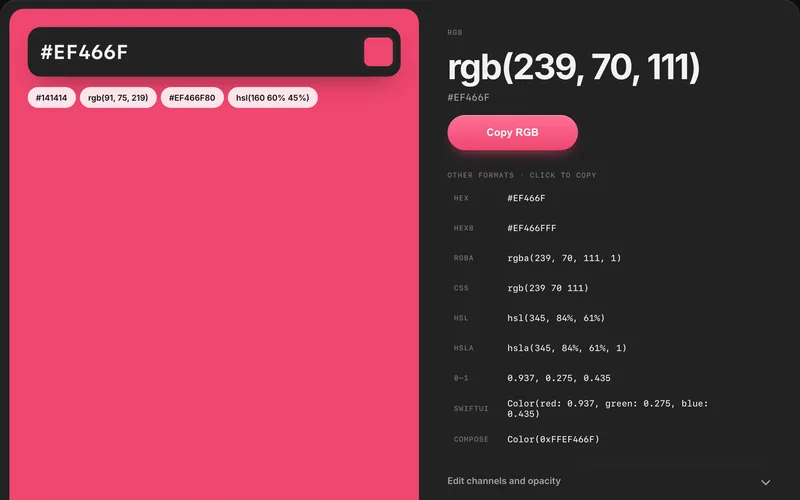
Convert hex colour codes to RGB, RGBA and HSL, and back.
Open tool →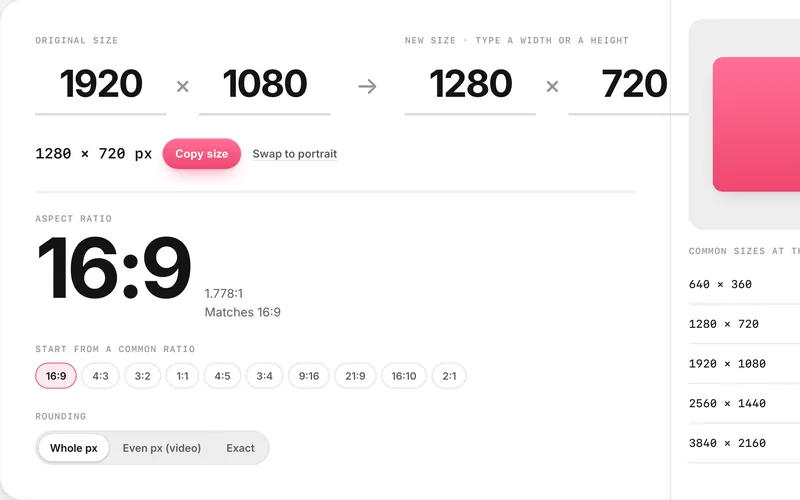
Aspect ratio calculator
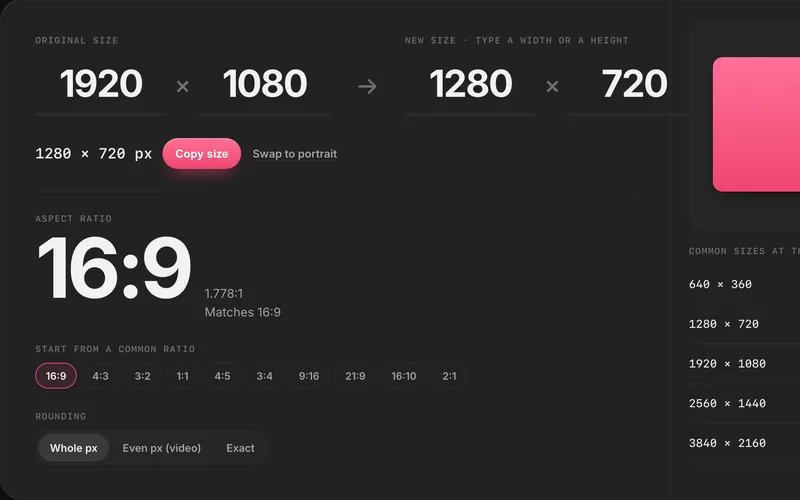
Find the ratio of any size and work out the missing width or height.
Open tool →
Placeholder image generator
Make placeholder images at any size, as PNG, JPG, WebP or SVG.
Open tool →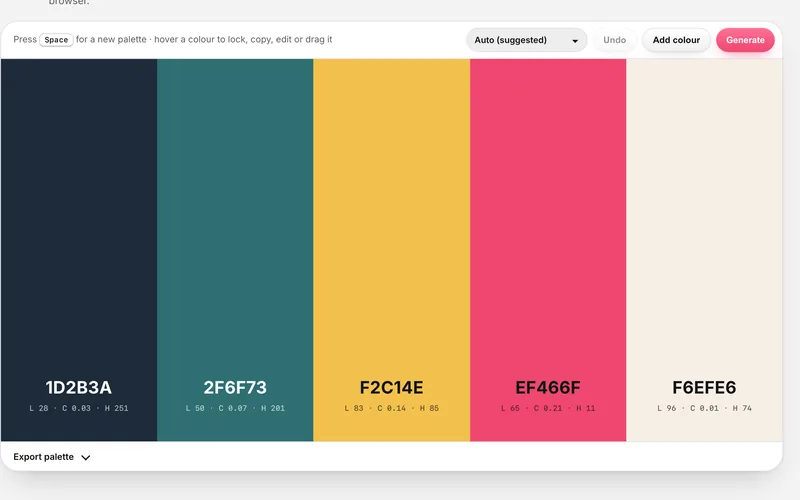
Colour palette generator
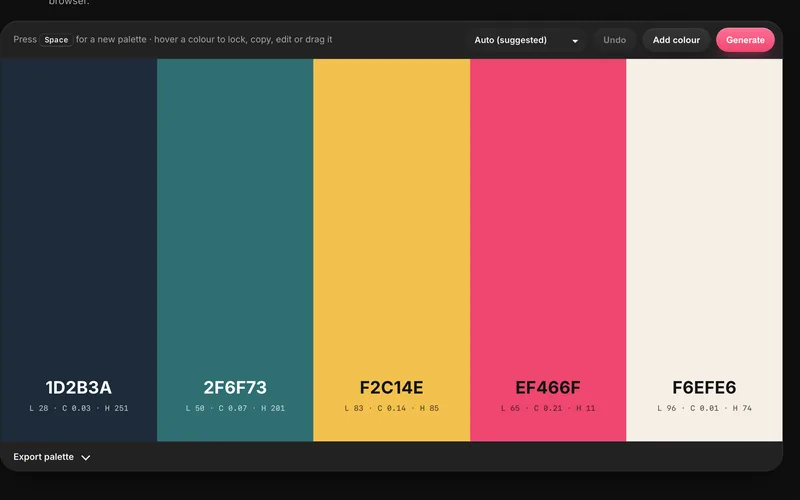
Generate colour palettes with the space bar, lock the colours you like and export CSS, Tailwind or PNG.
Open tool →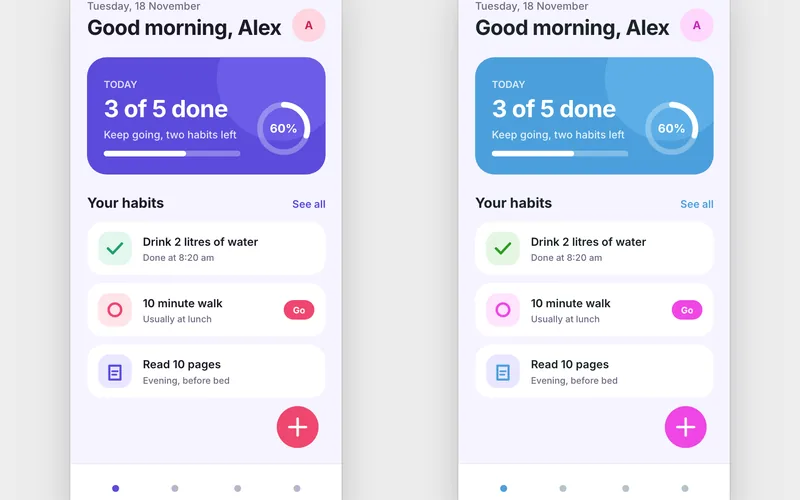
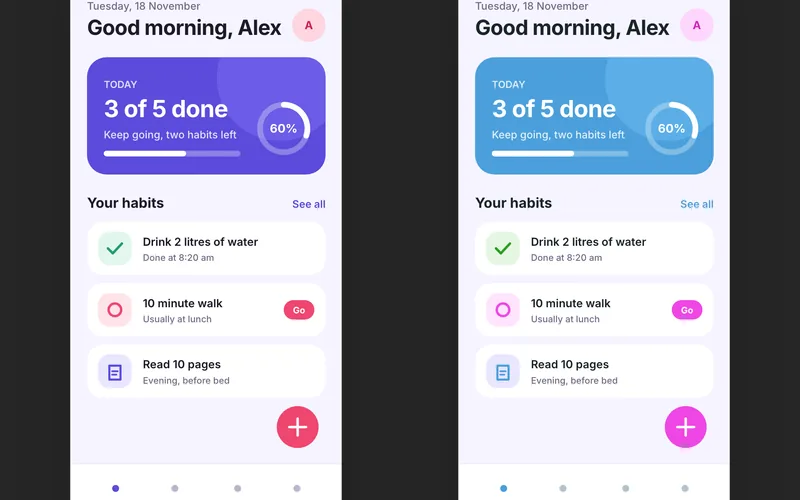
App colour preview
Drop a Figma SVG of your app screen, swap its colours and fonts, and compare variations side by side.
Open tool →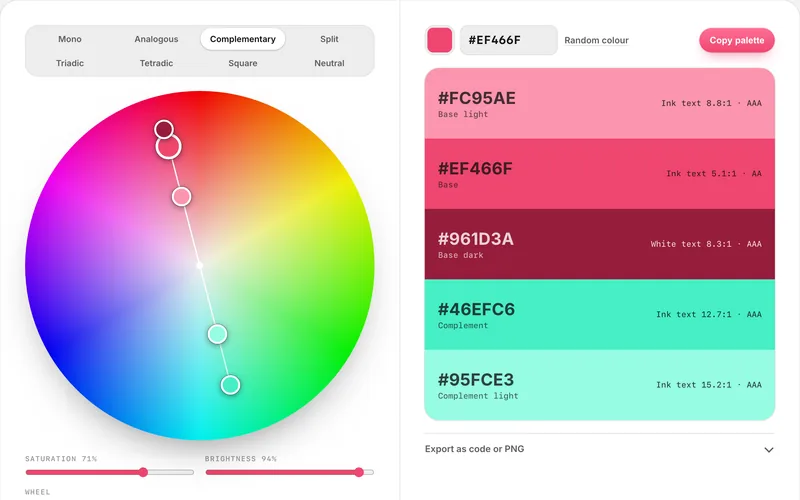
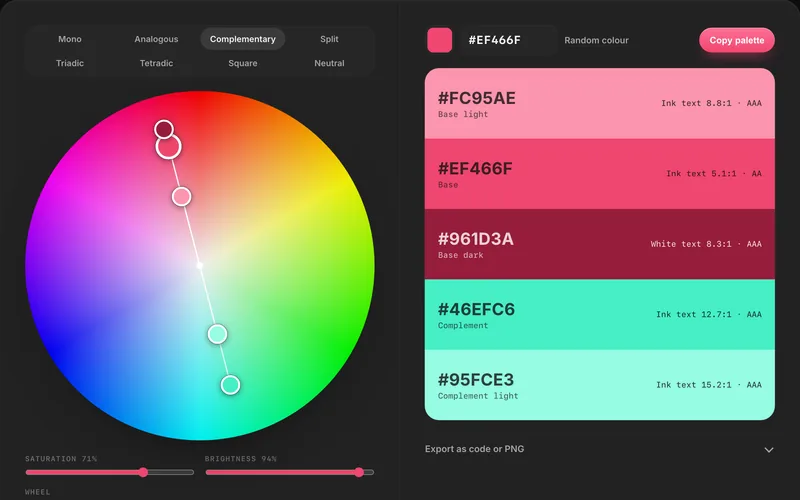
Colour wheel
Drag a base colour round an interactive colour wheel, pick a harmony and copy the five-colour palette as CSS, Tailwind or JSON.
Open tool →
Screenshots, social sizes and screen recording
We already make separate apps for these, so they are not repeated here:
Drape
Framed screenshots for X, LinkedIn, Instagram and Stories at 16:9, 4:5, 1:1 or 9:16, with backgrounds, phone or window frames and blur for private details.
Visit Drape ↗Storeboard
Our Mac app for App Store screenshots, keywords and listings.
Visit Storeboard ↗Weft
Free browser screen recorder with a webcam overlay and a built-in editor; MP4s save to your computer.
Visit Weft ↗
Prefer a break? Try the Mini Arcade, our free retro browser games.
Which tool do I need?
| Tool | Use it to |
|---|---|
| SVG to PNG converter | Turn SVG files into sharp PNGs at 1x to 4x or any exact size |
| ICO converter | PNG, JPG or SVG to a multi-size ICO file and a full favicon set |
| Hex to RGB converter | Convert hex colour codes to RGB, RGBA and HSL, and back |
| Aspect ratio calculator | Find the ratio of any size and work out the missing width or height |
| Placeholder image generator | Make placeholder images at any size, as PNG, JPG, WebP or SVG |
| Colour palette generator | Generate colour palettes with the space bar, lock the colours you like and export CSS, Tailwind or PNG |
| App colour preview | Drop a Figma SVG of your app screen, swap its colours and fonts, and compare variations side by side |
| Colour wheel | Drag a base colour round an interactive colour wheel, pick a harmony and copy the five-colour palette as CSS, Tailwind or JSON |
Private by design
Every tool on this page runs on your device. Files are read by your browser, converted with JavaScript and saved straight back to your computer. There is no upload, no account and no tracking of what you convert. The site's security policy blocks the pages from sending data to other servers.
Guides
- SVG vs PNG: which image format should you use?SVG to PNG converter
- How to export SVG to PNG at high resolutionSVG to PNG converter
- The best free SVG to PNG converters in 2026SVG to PNG converter
- What is an ICO file?ICO converter
- Favicon sizes in 2026: which files you actually needICO converter
- How to add a favicon to your websiteICO converter
- How hex colour codes work (and how to read one)Hex to RGB converter
- Hex colour with opacity: 8-digit hex codes explainedHex to RGB converter
- HSL vs RGB vs hex: which colour format should you use?Hex to RGB converter
- Common aspect ratios cheat sheetAspect ratio calculator
- How to calculate aspect ratio (formula and examples)Aspect ratio calculator
- CSS aspect-ratio: keep images and videos in proportionAspect ratio calculator
- The best free placeholder image generators in 2026Placeholder image generator
- How to use placeholder images in HTML and CSSPlaceholder image generator
- Standard banner ad sizes (300×250, 728×90 and more)Placeholder image generator
- How to choose a colour palette for an app or websiteColour palette generator
- The best free colour palette generators in 2026Colour palette generator
- How to export a colour palette to CSS, Tailwind and FigmaColour palette generator
- How to export SVG from FigmaApp colour preview
- How to test brand colours on an app mockupApp colour preview
- 13 Google Font pairings for appsApp colour preview
- Colour harmonies explained: 8 colour wheel schemes for UIColour wheel
- Complementary colours: how to find and use them in UIColour wheel
- RGB vs RYB colour wheel: why complementary colours differColour wheel
FAQ
Are these design tools really free?
Yes. Every tool is free, needs no account and has no usage limits. We built them for our own client work at Digital Sauce and made them public.
Are my files uploaded?
No. All eight tools run in your browser with JavaScript. Files you drop in are read on your device and never sent to a server.
Do the tools work offline?
Once a tool page has loaded, its conversions run locally, so they keep working if your connection drops. Google Fonts in the app colour preview need a connection to load.
Can I use the output commercially?
Yes. Images, icons, palettes and code you create are yours to use in any project, including commercial ones.
Where are the social media and App Store screenshot tools?
For framed screenshots at social sizes (16:9, 4:5, 1:1 and 9:16), use Drape, our free screenshot beautifier. For App Store screenshots, use Storeboard, our Mac app.
Can I request a tool or report a bug?
Yes. Email development@digitalsauce.io with what you need or what went wrong.
Ask AI about the free Digital Sauce design tools
Opens your assistant with a question about this tool, answered from this page. You can edit it before you send.
Last updated 16 November 2026. Made by Sanket Singh at Digital Sauce in Melbourne. Want a tool we have not made? Email development@digitalsauce.io.