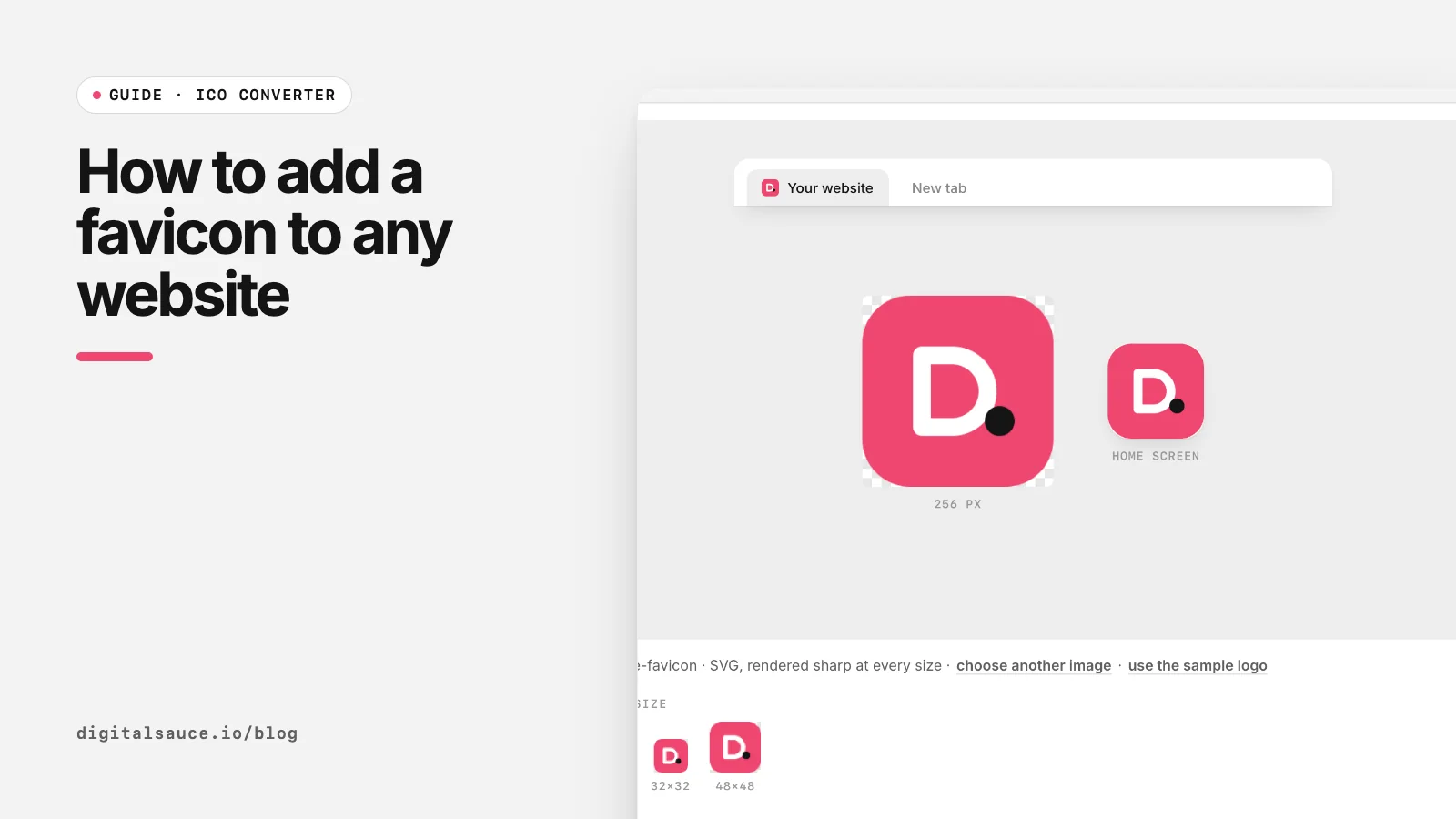
A favicon is the small icon in the browser tab, bookmarks and search results. Getting one live takes about five minutes. Make the files with our free ICO converter (it builds the full set and the HTML), then follow the steps for your platform below.
Step 1: make the favicon files
- 1Start with a square logo
- 2Drop it in the ICO converter
- 3Download the favicon set (ZIP)
- 4Upload to the site root and link in <head>
- Open the ICO converter and drop in a square logo, ideally an SVG or a PNG of at least 512 × 512 px.
- Check the 16 px preview. If the logo is unreadable, use just the mark or an initial, and try a solid background colour.
- Click Download favicon set (ZIP). You get favicon.ico, PNGs at 16, 32, 48, 180, 192 and 512 px, a
site.webmanifestand the HTML snippet.
Not sure which of those you need? See favicon sizes in 2026.
Step 2 (HTML or static sites): upload and link
Copy the files to the root of your site, next to your home page's index.html, then paste this inside <head> on every page (or in your shared layout):
<link rel="icon" href="/favicon.ico" sizes="32x32">
<link rel="icon" type="image/png" sizes="32x32" href="/favicon-32x32.png">
<link rel="apple-touch-icon" sizes="180x180" href="/apple-touch-icon.png">
<link rel="manifest" href="/site.webmanifest">
Open site.webmanifest and change the name to your site's name. That works the same on Netlify, Vercel, GitHub Pages or any web host.
Step 2 (website builders): use the built-in setting
- WordPress: go to Appearance → Customise → Site Identity → Site Icon, and upload a square PNG of at least 512 × 512 px. WordPress generates the sizes (WordPress documentation).
- Squarespace, Wix, Shopify and Webflow: each has a favicon or site icon field in its site settings. Upload a square PNG and check the builder's help page for its preferred size.
- Next.js and other frameworks: most now pick up icon files from a known folder (Next.js uses
app/iconandfavicon.icoin the app directory). Check your framework's docs.
Builders change their menus often, so if a path above has moved, search their help centre for "favicon".
Step 3: check it works
- Open your site in a private window, because browsers cache favicons for a long time.
- Visit
yourdomain.com/favicon.icodirectly. It should show the icon, not a 404. - Add the site to your phone's home screen to test the Apple and Android icons.
- In Google Search, the icon updates on Google's crawl schedule, which Google says can take days to weeks (Google Search Central). The icon must be linked from your home page and not blocked by robots.txt.
Why is my favicon not showing?
- Cache: try a private window or another browser first.
- Wrong path: a relative path like
href="favicon.ico"breaks on pages in sub-folders. Start it with a slash. - Renamed PNG: a PNG renamed to .ico is not a real ICO file. Convert it properly.
- Not square: Google ignores favicons that are not 1:1.
ICO converterPNG, JPG or SVG to a multi-size ICO file and a full favicon set. Free, no sign-up, runs in your browser.
Open the tool →FAQ
Where do I put the favicon file?
In the root folder of your website, next to the home page, so it is reachable at yourdomain.com/favicon.ico. Then link it from the head of your pages.
What HTML do I need for a favicon?
At minimum, add a link rel="icon" tag pointing to your favicon in the head. Adding a PNG icon, an apple-touch-icon and a web manifest covers phones and app installs too.
How do I add a favicon in WordPress?
Go to Appearance, Customise, Site Identity and upload a square image under Site Icon. WordPress recommends at least 512 × 512 px and creates the smaller sizes.
How long does a favicon take to show in Google?
Google says it can take several days to several weeks, depending on how often it recrawls your home page. You can request indexing of the home page in Search Console.
Do I need a different favicon for dark mode?
Not usually. Give the icon a solid background so it reads on light and dark tabs. An SVG favicon can switch colours with a media query, but keep ICO and PNG fallbacks.
Read next
- What is an ICO file?The icon format that holds many sizes in one file
- Favicon sizes in 2026: which files you actually needThe short list of favicon files modern sites use
- Favicon sizes in 2026: which files you actually needThe short list of favicon files modern sites use
- ICO converterPNG, JPG or SVG to a multi-size ICO file and a full favicon set
- All free design toolsConverters, calculators and colour tools
Last updated 16 November 2026. Sources are linked in the text. Spotted something out of date? Email development@digitalsauce.io.