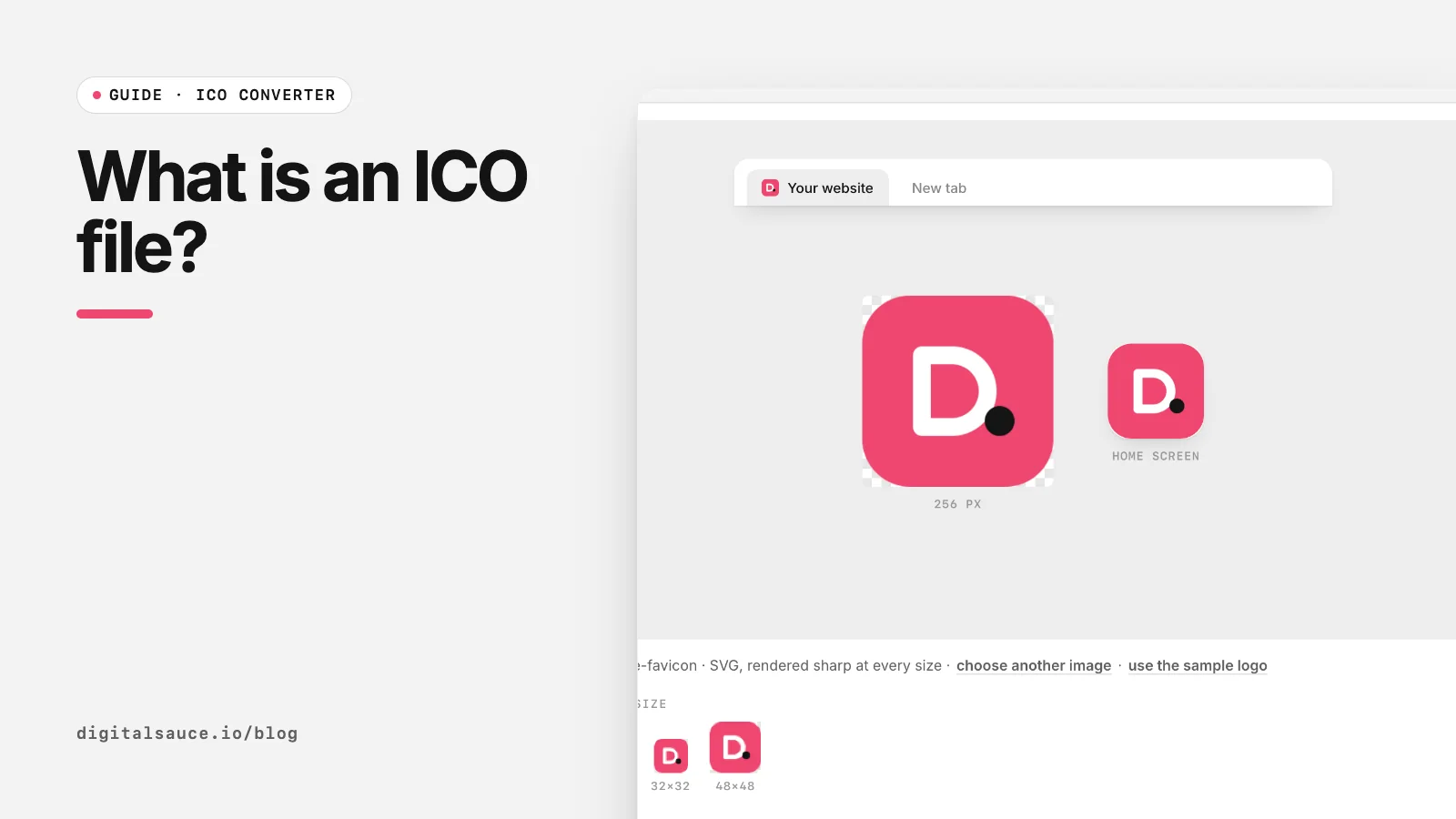
ICO started life as the Windows icon format and became the web's original favicon format. What makes it different from PNG is that one file can contain many images. You can make one, or pull the images out of one, with our free ICO converter, which runs in your browser.
What is inside an ICO file?
An ICO file starts with a small header that says how many images it holds, followed by a directory entry for each image (its width, height, colour depth and where its data starts), then the image data itself (ICO file format, Wikipedia). Each image can be stored as a Windows bitmap (BMP) or, since Windows Vista, as a PNG.
We know this first-hand because we wrote the encoder in our ICO converter: the width and height fields are a single byte each, so a value of 0 means 256. That is why 256 × 256 px is the largest standard ICO size.
Which sizes go in an ICO?
| Size | Typically used for |
|---|---|
| 16 × 16 | Browser tabs, address bar, small Windows icons |
| 24 × 24 | Some Windows toolbars and taskbars |
| 32 × 32 | Browser tabs on high-density screens, Windows taskbar |
| 48 × 48 | Windows desktop and Explorer icons, Google Search's recommended minimum |
| 64 to 128 | Larger Explorer views |
| 256 × 256 | Windows large and extra-large icons, app installers |
For a website, 16, 32 and 48 px is plenty. For a Windows app, include 256 too. See our favicon sizes guide for the full set modern sites use.
How do you open an ICO file?
- Windows: double-click it, or open it in Photos or Paint.
- Mac: Preview opens ICO files and shows each size as a separate page.
- Any browser: drag the file into a tab, or drop it into our ICO converter to see and save every size inside as PNG.
How do you make an ICO file?
- Start with a square PNG or SVG, at least 256 × 256 px.
- Drop it into the ICO converter and tick the sizes you need.
- Check the 16 px preview: if the detail is lost, simplify the artwork or add a background colour.
- Click Download .ico.
Renaming a PNG to .ico does not make it an ICO file. Some browsers will cope, but Windows and many tools will not, because the ICO header and directory are missing.
ICO vs PNG: which should you use?
Use ICO for favicon.ico at your site's root and for Windows app icons. Use PNG for everything else: apple-touch-icon, web app manifest icons and larger favicons. Google Search accepts both, along with BMP, GIF, JPEG, PPM and TIFF (Google Search Central).
ICO converterPNG, JPG or SVG to a multi-size ICO file and a full favicon set. Free, no sign-up, runs in your browser.
Open the tool →FAQ
What is an ICO file used for?
ICO files hold icons. They are used for Windows application and shortcut icons, and for website favicons such as favicon.ico.
Can an ICO file hold more than one size?
Yes, that is its main feature. One ICO file can store several sizes of the same image, and the system picks the closest match.
What is the maximum size of an ICO file?
The standard maximum is 256 × 256 pixels per image, because the ICO header stores width and height in one byte each, with 0 meaning 256.
Can I just rename a PNG to .ico?
No. A real ICO has its own header and directory. Renaming may work in some browsers but fails in Windows and many tools. Convert it properly instead.
How do I convert an ICO file to PNG?
Drop it into the Digital Sauce ICO converter. Every size inside the file is listed with a button to download it as a PNG.
Read next
- Favicon sizes in 2026: which files you actually needThe short list of favicon files modern sites use
- How to add a favicon to your websiteMake the files, upload them, add four lines of HTML
- ICO converterPNG, JPG or SVG to a multi-size ICO file and a full favicon set
- All free design toolsConverters, calculators and colour tools
Last updated 16 November 2026. Sources are linked in the text. Spotted something out of date? Email development@digitalsauce.io.