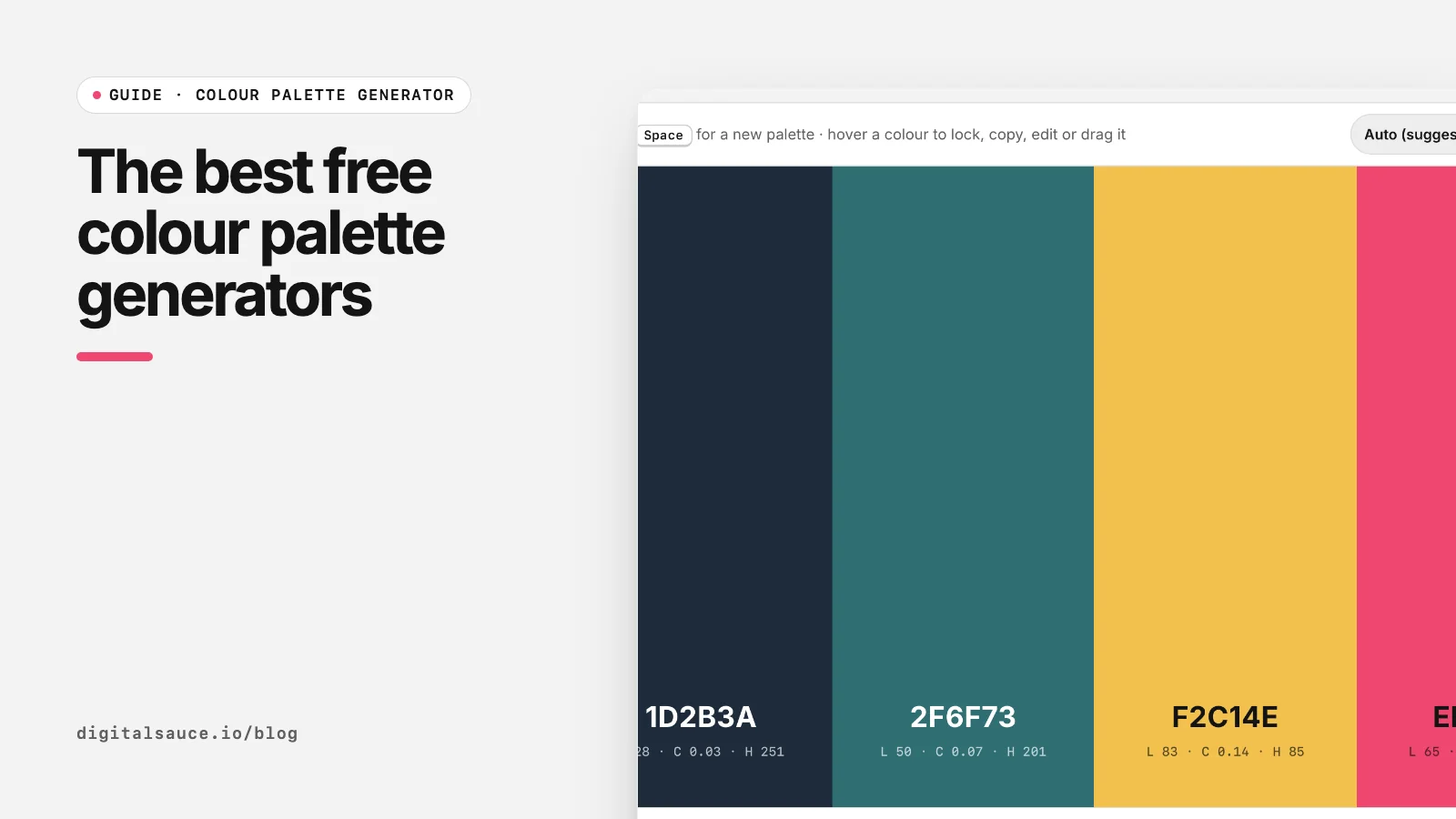
We use palette tools constantly at Digital Sauce, and we have built two of our own: the Digital Sauce colour palette generator and the earlier PalettePicker. Here is how the popular options compare. We opened each site on 16 November 2026; features and free plan limits change, so check the current details on each site.
Comparison
| Tool | Best for | How it works |
|---|---|---|
| Coolors | Fast random palettes | Press Space to generate, lock colours you like; also a large library of palettes |
| Adobe Color | Colour theory and images | Colour wheel with harmony rules, themes from images, accessibility checks; ties into Adobe apps |
| Khroma | Personal taste | You pick colours you like and it trains a neural network in your browser to suggest more |
| Huemint | Brand and graphic palettes | Uses machine learning to create colour schemes, previewed on sample graphics |
| Realtime Colors | Website previews | Shows your colours and fonts on a sample website as you change them |
| Digital Sauce colour palette generator | Quick palettes with code exports | Space to generate, locks, harmony modes, exports CSS, Tailwind, JSON and PNG; no account |
| Digital Sauce app colour preview | Testing colours on your own app screen | Drop a Figma SVG, recolour it and try font pairings; no account |
Coolors
Coolors describes itself as a super fast colour palette generator, and it is: press Space, lock what you like, repeat. It also has a big community library and extra tools. Some features need a paid plan, so check what is included for free.
Adobe Color
Adobe Color is the most "colour theory" of the group. You drag points on a colour wheel using rules like analogous, triadic and complementary, extract themes from a photo, and check palettes for accessibility. With an Adobe account you can save palettes to your libraries for use in Adobe apps.
Khroma
Khroma starts by asking you to choose colours you like, then, in its own words, trains a neural network in your browser to generate colours you like and block ones you do not. Good when you know your taste but not your palette.
Huemint
Huemint uses machine learning to create colour schemes for a brand, website or graphic, and shows them applied to sample designs. It is a nice way to see how colours split between background, foreground and accents.
Realtime Colors
Realtime Colors lets you visualise your colours and fonts on a real website layout. That makes it the best of these for checking that a palette works across a whole page, not just as swatches.
Our two free tools
We built the colour palette generator for the moment after you have an idea and need code. It has Coolors-style space bar generation and locks, eight harmony modes, and exports CSS variables, SCSS, JSON, Tailwind v3 and v4, a Figma hex list or a PNG. No account, and the palette lives in the link so you can share it.
The app colour preview fills the gap none of the tools above cover: your own app screen. Drop an SVG exported from Figma, and it finds every colour so you can swap them, try hue variations and test Google Font pairings side by side.
Where ours is weaker: no community library, no image colour extraction, and no saved accounts. Use Coolors or Adobe Color for those.
Which should you use?
- Just need ideas fast: Coolors or our generator.
- Want colours from a photo: Adobe Color.
- Building a website theme: Realtime Colors, then export with our generator.
- Testing colours on your actual app design: our app colour preview.
New to picking palettes? Read how to choose a colour palette.
Colour palette generatorGenerate colour palettes with the space bar, lock the colours you like and export CSS, Tailwind or PNG. Free, no sign-up, runs in your browser.
Open the tool →FAQ
What is the best free colour palette generator?
Coolors is the best known for fast random palettes. Adobe Color is better for colour theory and image extraction. For code exports with no account, try the Digital Sauce colour palette generator.
Is Coolors free?
Coolors has a free version for generating palettes, with some features on a paid plan. Check its pricing page for the current split.
Is there a palette generator that does not need an account?
Yes. The Digital Sauce colour palette generator and app colour preview run in your browser with no sign-up.
Which tool can show my palette on a website?
Realtime Colors previews colours and fonts on a sample website. To preview colours on your own app design, use the Digital Sauce app colour preview with an SVG from Figma.
Can AI generate colour palettes?
Yes. Khroma trains a neural network on colours you pick, and Huemint uses machine learning to generate schemes. Results still need a contrast check.
Read next
- How to choose a colour palette for an app or websiteOne brand colour, solid neutrals, real contrast
- How to export a colour palette to CSS, Tailwind and FigmaCSS variables, Tailwind @theme, Figma variables, tokens
- How to choose a colour palette for an app or websiteOne brand colour, solid neutrals, real contrast
- Colour palette generatorGenerate colour palettes with the space bar, lock the colours you like and export CSS, Tailwind or PNG
- All free design toolsConverters, calculators and colour tools
Last updated 16 November 2026. Sources are linked in the text. Spotted something out of date? Email development@digitalsauce.io.