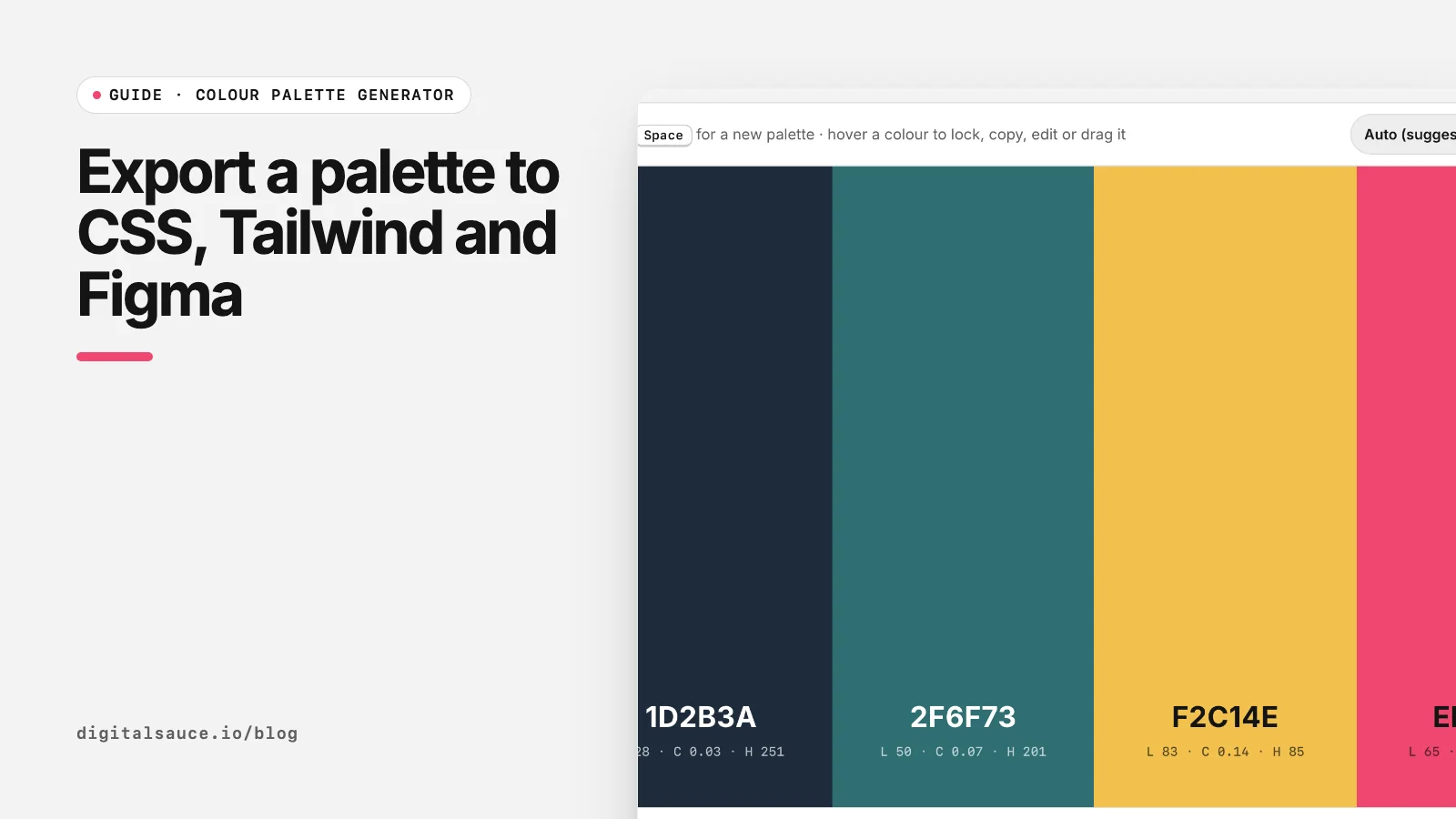
A palette is only useful once it is in your code and your design files with the same names. The free colour palette generator exports every format below; this guide shows what to do with each.
Name colours by role, not hue
Exports give you neutral names like --palette-1. Rename them before they spread through your project. Role names (--color-primary, --color-ink) survive a rebrand; hue names (--color-pink) do not, because the "pink" button may be blue next year.
CSS custom properties
:root {
  --color-ink: #141414;
  --color-paper: #f3f3f3;
  --color-primary: #ef466f;
}
.button { background: var(--color-primary); color: var(--color-paper); }
Custom properties work in every modern browser and need no build step. They also make dark mode simple: redefine the same names inside a @media (prefers-color-scheme: dark) block or a [data-theme="dark"] selector.
Tailwind CSS v4: @theme
@import "tailwindcss";
@theme {
  --color-ink: #141414;
  --color-primary: #ef466f;
}
In Tailwind v4, colours are defined as theme variables in your CSS. A variable in the --color-* namespace creates utilities such as bg-primary and text-ink, and is also available as a normal CSS variable (Tailwind docs: Theme variables). Choose Tailwind v4 (@theme) in the generator to get this format.
Tailwind CSS v3: config file
// tailwind.config.js
module.exports = {
  theme: { extend: { colors: {
    ink: '#141414',
    primary: '#ef466f',
  } } },
};
Older projects on Tailwind v3 keep colours in tailwind.config.js under theme.extend.colors. The generator's Tailwind v3 (config) option gives you the object to paste in.
Figma: variables or styles
In Figma, colour variables are the closest match to CSS custom properties: they have names, can be grouped into collections and can switch between modes such as light and dark (Figma: Guide to variables). Colour styles still work well for simple libraries (Figma: Guide to styles).
The generator's Figma (hex list) export gives one hex code per line, ready to paste into each variable's value field. Use the same names as your CSS so a developer reading primary in Figma knows exactly which variable to use.
Design tokens JSON
{
  "color": {
    "primary": { "$type": "color", "$value": "#ef466f" }
  }
}
If you have several platforms (web, iOS, Android), keep colours in one design tokens file and generate each platform's code from it with a tool such as Style Dictionary. The W3C Design Tokens Community Group announced the first stable version of its format, 2025.10, in October 2025 (designtokens.org). The shape above follows that format; our JSON export is a simpler list you can convert.
iOS and Android
For native apps, convert each hex code to the platform format. Our hex to RGB converter outputs SwiftUI Color and Jetpack Compose Color code for any colour.
Colour palette generatorGenerate colour palettes with the space bar, lock the colours you like and export CSS, Tailwind or PNG. Free, no sign-up, runs in your browser.
Open the tool →FAQ
How do I add a colour palette to CSS?
Define each colour as a custom property on :root, such as --color-primary: #ef466f, then use var(--color-primary) wherever you need it.
How do I add custom colours in Tailwind v4?
Add them inside an @theme block in your main CSS file using the --color- prefix, for example --color-primary: #ef466f. Tailwind then creates utilities like bg-primary.
How do I add custom colours in Tailwind v3?
Add them to theme.extend.colors in tailwind.config.js, for example primary: '#ef466f'.
How do I import a palette into Figma?
Create colour variables or styles and paste each hex code into its value. The generator's Figma export gives you one hex code per line to copy from.
Should I name colours by hue or by role?
By role, such as primary, ink and paper. Role names keep working when the brand colours change.
What are design tokens?
Design decisions such as colours stored as named values in a platform-neutral file, usually JSON, from which code for each platform is generated.
Read next
- How to choose a colour palette for an app or websiteOne brand colour, solid neutrals, real contrast
- The best free colour palette generators in 2026Coolors, Adobe Color, Khroma and more
- Colour palette generatorGenerate colour palettes with the space bar, lock the colours you like and export CSS, Tailwind or PNG
- All free design toolsConverters, calculators and colour tools
Last updated 16 November 2026. Sources are linked in the text. Spotted something out of date? Email development@digitalsauce.io.