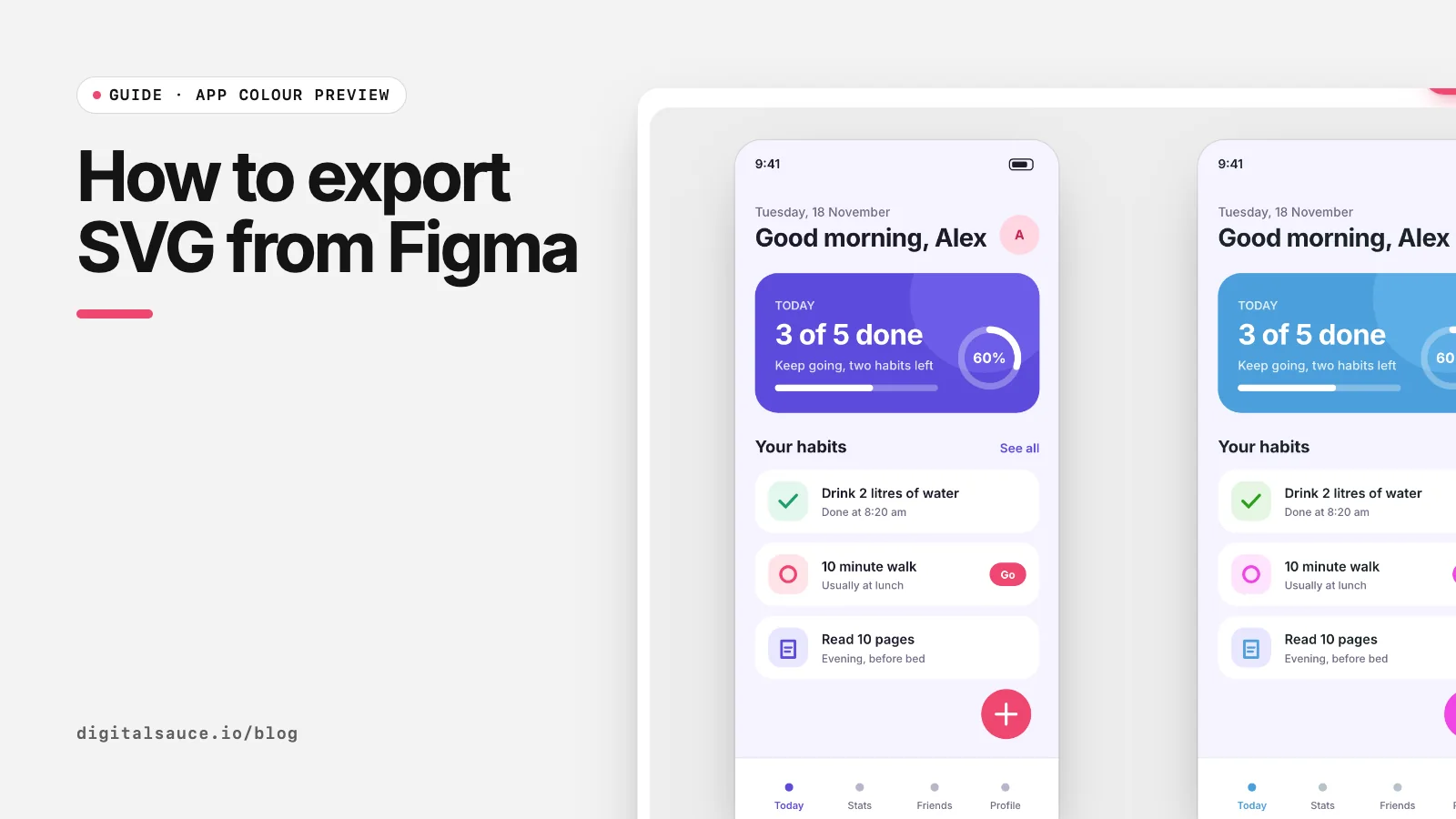
This guide follows Figma's own help pages on exporting static designs and export formats and settings, checked on 16 November 2026. Once you have the SVG, drop it into our free app colour preview to try new colours and fonts on it.
Export an SVG step by step
- 1Select a frame, group or layer
- 2Find Export in the right sidebar
- 3Click + and choose SVG
- 4Set options, especially Outline text
- 5Export: Figma downloads the .svg
- Select what to export. A frame, a group or a single layer. To export the whole page canvas, deselect everything.
- Find the Export section. With edit access it is near the bottom of the right sidebar. With view access it sits under the Properties tab, and the file owner must allow copying and sharing.
- Add an export. Click + in the Export section and change the format to SVG.
- Adjust the settings (see below), especially Outline text.
- Click Export. Figma downloads an .svg file named after the layer.
SVG export settings explained
| Setting | What it does | When to change it |
|---|---|---|
| Outline text | Turns text into vector glyphs so it looks identical everywhere. On by default when the selection contains text. | Untick it to keep live, editable text, needed for changing fonts |
| Include "id" attribute | Adds ids based on layer names | Tick it when developers will target parts of the SVG with CSS or JavaScript |
| Simplify stroke | Converts inside and outside strokes, which SVG does not support, into a simpler form. On by default for vector networks with those strokes. | Usually leave on |
| Ignore overlapping layers | Leaves out layers that overlap the selection but are not part of it | Tick it when a background or neighbour sneaks into the export |
| Include bounding box | For text layers, sizes the export to the text box rather than the text itself | When you need consistent sizes for text exports |
Settings as described in Figma's export formats and settings. Figma also notes that strokes are exported as fills and background blurs do not carry over, so blur the layer itself instead.
Copy as SVG (no file)
Right-click a layer, hover over Copy/Paste as and choose Copy as SVG. The SVG code goes to your clipboard, ready to paste into code, another design tool or the app colour preview (just press Cmd or Ctrl + V on the page).
Outline text: on or off?
Leave it on for logos, icons and anything that must look identical everywhere, because the viewer does not need the font installed. Turn it off when the text needs to be edited, searched, read by screen readers or restyled, for example when you want to try new fonts on an app screen. With it off, text displays in the named font only if that font is available; otherwise a fallback font is used.
Troubleshooting
- The SVG looks different from Figma. Check for background blurs, which do not export, and for fonts that are not available where you open the file.
- The file is huge. Large embedded photos are stored inside the SVG as data. Export photos separately as JPG or WebP.
- No Export section. Refresh the page; if you have view access, the owner may have restricted copying.
- Need a PNG instead? Export PNG from Figma, or convert the SVG at any size with our SVG to PNG converter.
App colour previewDrop a Figma SVG of your app screen, swap its colours and fonts, and compare variations side by side. Free, no sign-up, runs in your browser.
Open the tool →FAQ
How do I export an SVG from Figma?
Select the layer or frame, click + in the Export section of the right sidebar, set the format to SVG and click Export.
How do I keep text editable in a Figma SVG?
Untick Outline text in the SVG export settings. Text then stays as live text instead of being converted to vector shapes.
Why is my exported SVG text not editable?
Outline text is on by default when the export contains text, so Figma converts text to glyph shapes. Turn it off and export again.
Can I copy SVG code from Figma?
Yes. Right-click the layer, choose Copy/Paste as, then Copy as SVG. The code is copied to your clipboard.
Why does my Figma SVG look different?
Some effects, such as background blurs, do not export to SVG, and strokes become fills. Missing fonts also change how live text looks.
Can I export SVG from Figma with view-only access?
Only if the file owner allows viewers to copy and export. The Export section then appears under the Properties tab.
Read next
- How to test brand colours on an app mockupSee the colour on the product, not on swatches
- 13 Google Font pairings for appsFree pairings that hold up at small sizes
- App colour previewDrop a Figma SVG of your app screen, swap its colours and fonts, and compare variations side by side
- All free design toolsConverters, calculators and colour tools
Last updated 16 November 2026. Sources are linked in the text. Spotted something out of date? Email development@digitalsauce.io.