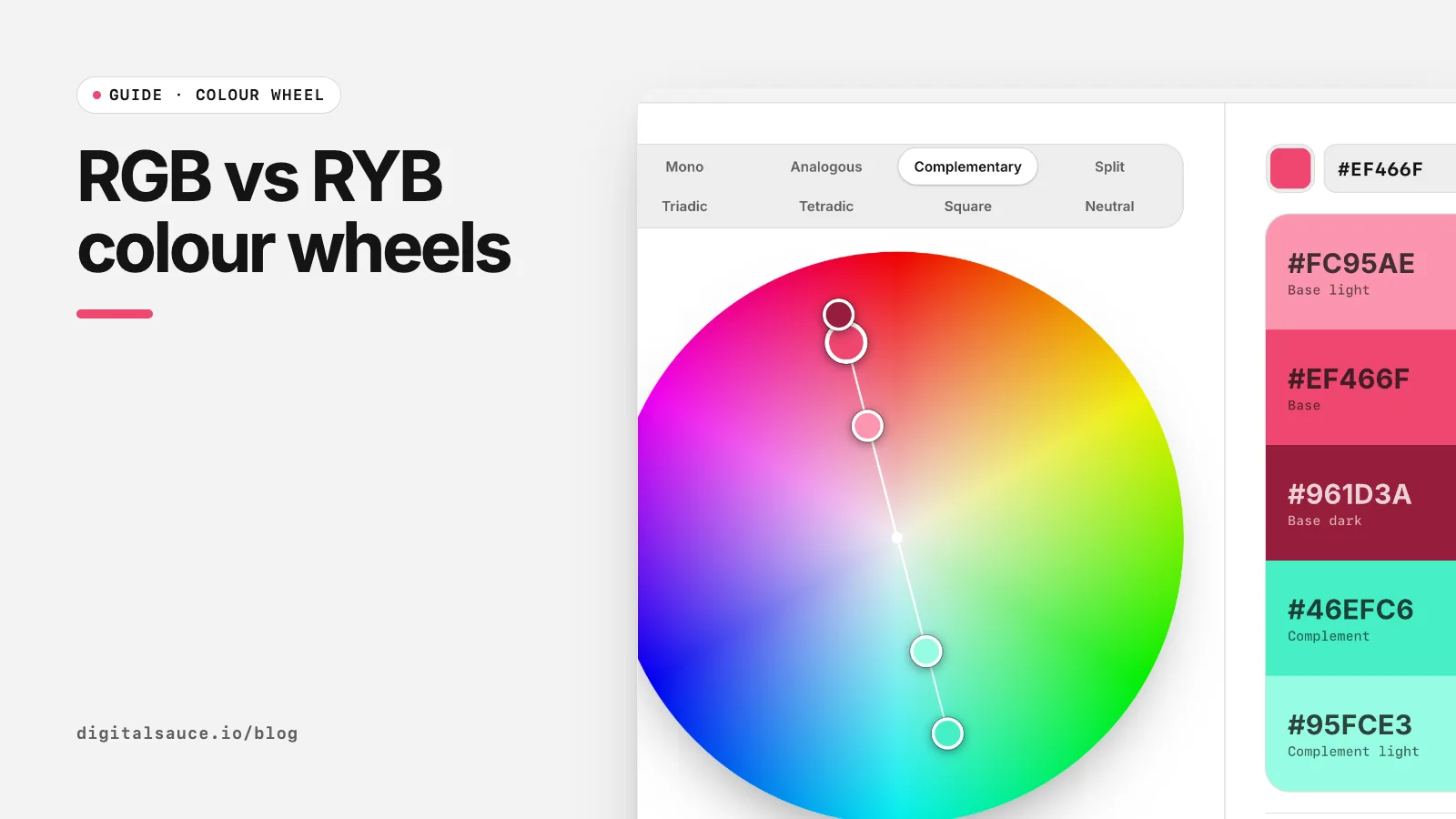
Ask a painter and a front-end developer for the opposite of red and you will get two different answers, and both are right. They are using different colour wheels. The free colour wheel has a switch for both, so you can compare them as you read.
Where colour wheels come from
Isaac Newton drew one of the first colour circles in Opticks in 1704, arranging the spectrum round a circle (Wikipedia: Color wheel). Painters later settled on red, yellow and blue as primaries. That RYB model was championed by Moses Harris, Michel Eugène Chevreul, Johannes Itten and Josef Albers, and it underpinned the colour teaching at the Bauhaus and the many design schools it influenced (Wikipedia: RYB color model).
The RYB wheel: pigment tradition
On the RYB wheel the primaries are red, yellow and blue, the secondaries are the mixes between them, and the classic complementary pairs are red and green, yellow and violet, and blue with the warm hue halfway between red and yellow. It feels intuitive because it matches what many of us learned mixing paint, and it spreads warm hues across more of the circle.
The RGB wheel: how screens mix light
Screens make colour by adding red, green and blue light. The hue wheel in CSS hsl(), Figma's colour picker and most design tools is built on that model (Wikipedia: HSL and HSV). Red sits at 0°, green at 120° and blue at 240°, so the complements are red and cyan, green and magenta, and blue and yellow.
Side by side
| RGB (screen) | RYB (artist) | |
|---|---|---|
| Primaries | Red, green, blue light | Red, yellow, blue pigment |
| Opposite of red | Cyan | Green |
| Opposite of yellow | Blue | Violet |
| Used by | CSS, Figma, displays, most colour tools | Painting, art education, some print traditions |
| Hue values | Match hsl() exactly | Need converting before use in code |
Which wheel should designers use?
Use the RGB wheel for anything that ends up on a screen. Its hue numbers match your CSS and Figma values, so a triadic scheme you find is the one you ship. Reach for the RYB wheel when you want a harmony that feels more traditional or painterly, for example a brand with an illustrated, crafted look, then use the hex codes it gives you as normal.
In the colour wheel, switch Wheel between Screen (RGB) and Artist (RYB): the palette keeps your base colour and recalculates the other handles. The hex values it exports are always ordinary screen colours.
Whichever wheel you use, the colours still need to pass contrast checks and look right on a real layout. Try them on your own app screen in the app colour preview.
Colour wheelDrag a base colour round an interactive colour wheel, pick a harmony and copy the five-colour palette as CSS, Tailwind or JSON. Free, no sign-up, runs in your browser.
Open the tool →FAQ
What is the difference between RGB and RYB?
RGB is the additive model screens use, with red, green and blue light as primaries. RYB is the traditional painter's model, with red, yellow and blue pigments as primaries.
Why is red opposite green on some colour wheels and cyan on others?
Red is opposite green on the RYB painter's wheel and opposite cyan on the RGB screen wheel. The wheels place hues differently because they come from different primaries.
Which colour wheel does CSS use?
CSS hsl() uses the RGB-based hue circle: red at 0 degrees, green at 120 and blue at 240.
Should I use the RYB colour wheel for web design?
Use RGB by default because it matches your code and design tools. RYB can be useful for a more traditional sense of harmony; the hex codes it produces still work on the web.
Who used the RYB colour model?
It was advocated by Moses Harris, Michel Eugène Chevreul, Johannes Itten and Josef Albers, and was taught at the Bauhaus and many design schools.
Read next
- Colour harmonies explained: 8 colour wheel schemes for UIMonochromatic to square, and when each works
- Complementary colours: how to find and use them in UIFind the opposite of any hex, then use it well
- Complementary colours: how to find and use them in UIFind the opposite of any hex, then use it well
- Colour harmonies explained: 8 colour wheel schemes for UIMonochromatic to square, and when each works
- Colour wheelDrag a base colour round an interactive colour wheel, pick a harmony and copy the five-colour palette as CSS, Tailwind or JSON
- All free design toolsConverters, calculators and colour tools
Last updated 16 November 2026. Sources are linked in the text. Spotted something out of date? Email development@digitalsauce.io.