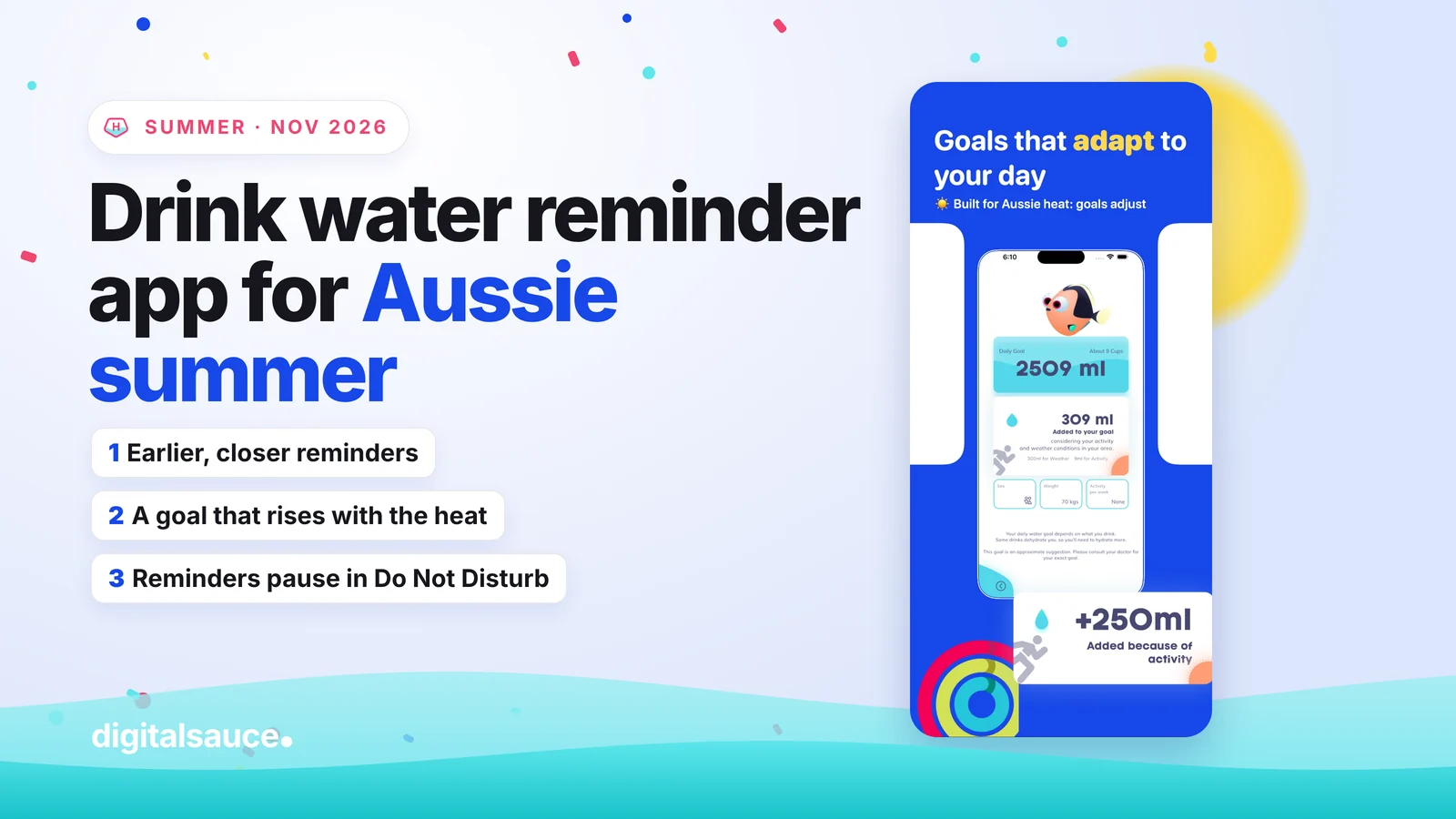
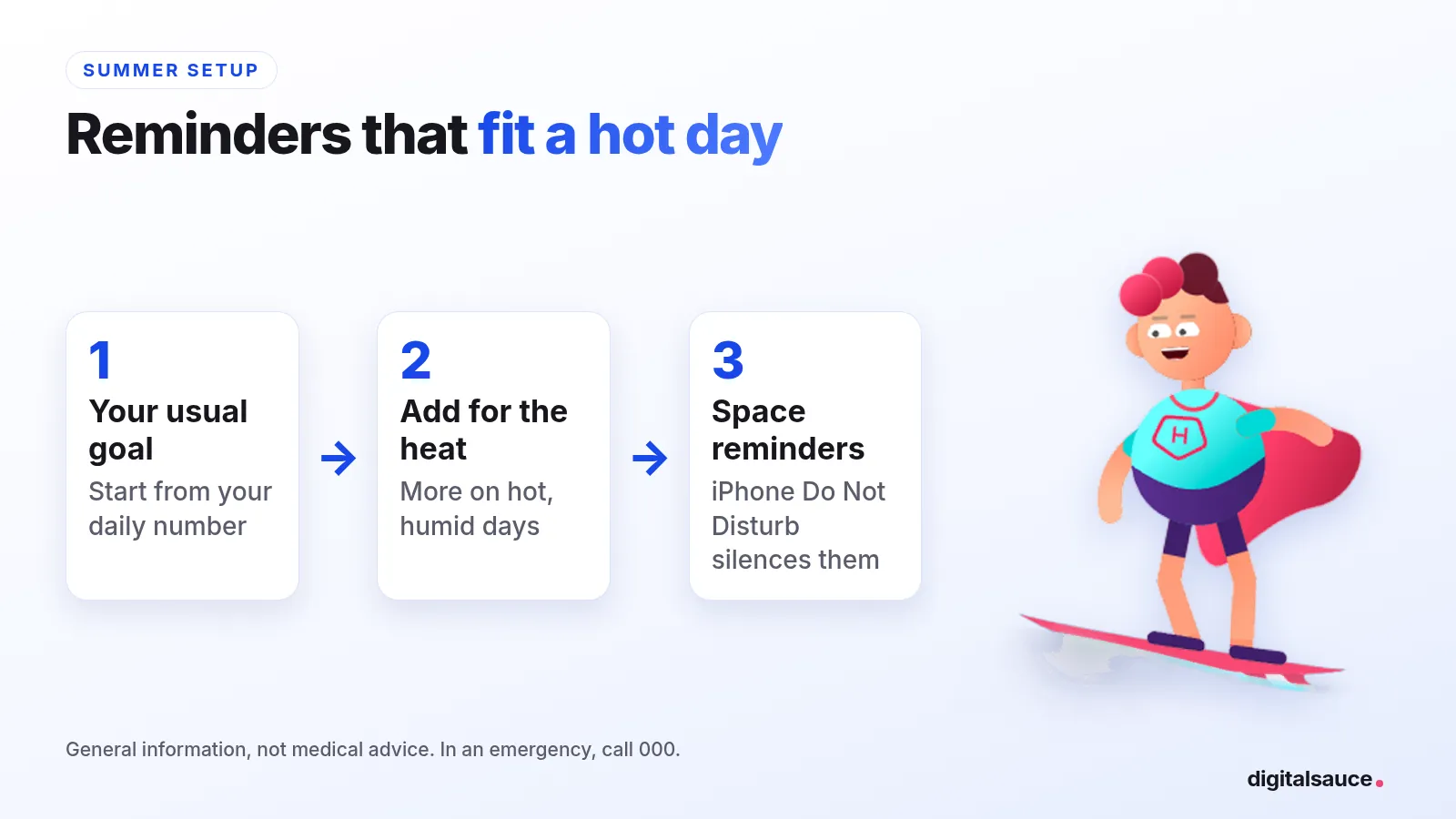
A drink water reminder app helps most on hot Aussie days, when you lose more fluid through sweat and are too busy to notice you're thirsty. Set it up in two minutes: pick your daily goal, add extra for the heat, space reminders across your waking hours, and turn on your iPhone's own Do Not Disturb at night (an iOS setting, not an app setting) to silence them.
TL;DR
- Do you need one? Not if you already sip all day. It helps if you get busy and forget.
- On a 35 °C day: start reminders earlier, space them closer, and carry a bottle every time you leave home.
- Outdoor work and kids' sport: drink before you start, and set breaks, not just pings.
- Emergency: confusion, collapse or a seizure in the heat is a 000 call.
I'm Sanket, and I make the water tracker Hydration Hero at my studio in Melbourne. I'm not a doctor, so the health advice here comes from healthdirect and Victoria's Better Health Channel (sources at the bottom).
General information, not medical advice. In an emergency in Australia, call 000. For 24-hour health advice, call healthdirect on 1800 022 222.
Do you need a water reminder app in summer?
Not everyone does. If you already keep a bottle on your desk and sip through the day, a reminder adds little. But on hot days, thirst lags behind what you've lost, and healthdirect and the Better Health Channel both say to drink water regularly in the heat, even before you feel thirsty.
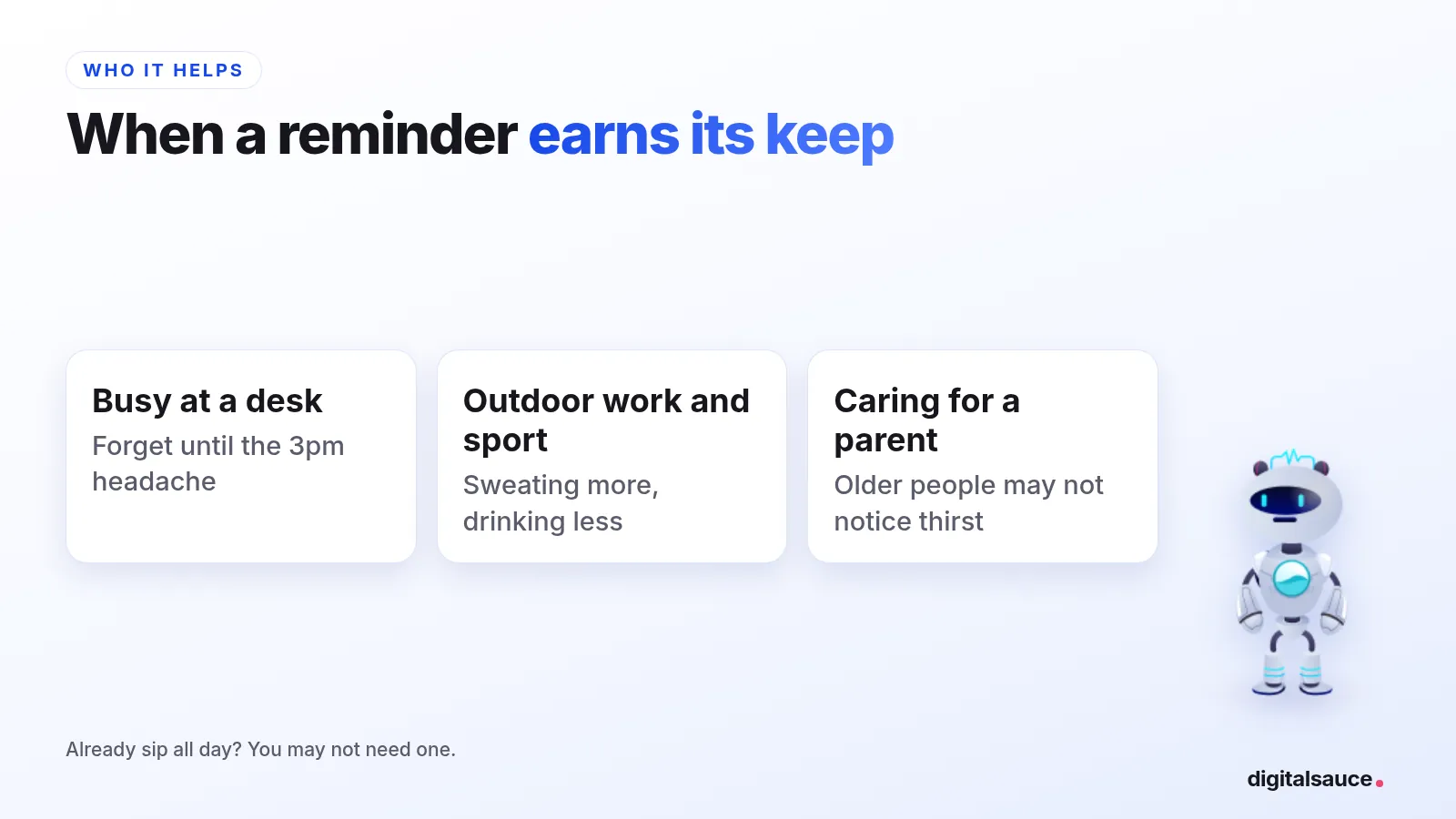
A reminder app is useful if you:
- get absorbed in work and forget to drink until the afternoon headache
- work outdoors, or ferry kids to sport on weekends
- look after an older parent who may not notice they're thirsty
The free alternative works too: a marked bottle, or a repeating alarm on your phone. An app just adapts the plan to the day.
How should you set reminders for a 35 °C day?
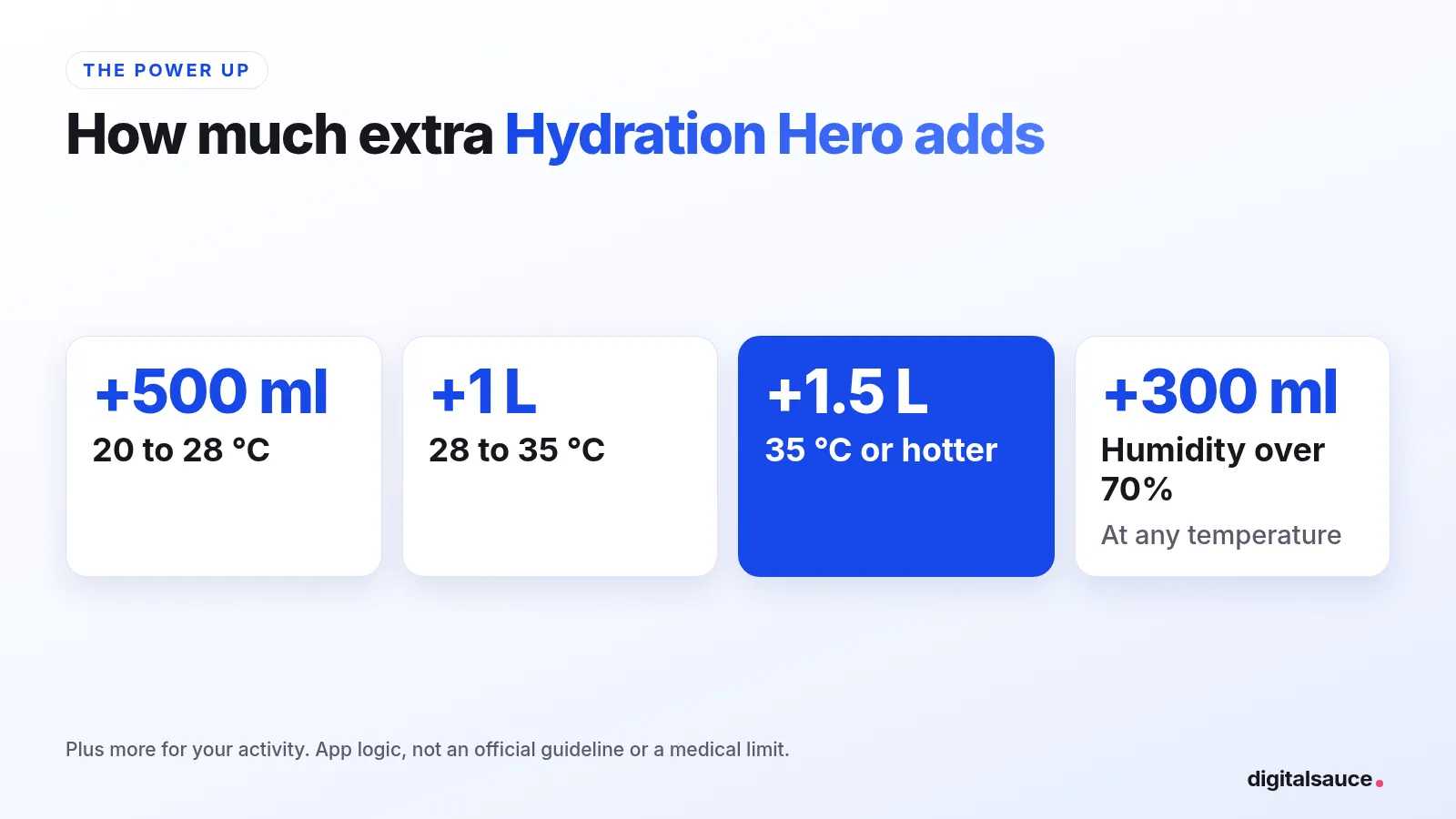
Start from your usual daily goal, then add extra for the heat. healthdirect's everyday guide for adults is about 2.1 to 2.6 litres of fluids a day, and more when it's hot or you're active. Hydration Hero adds 500 ml at 20 to 28 °C, 1 litre at 28 to 35 °C and 1.5 litres at 35 °C or hotter, plus 300 ml when humidity is over 70%. That's my app's logic, not a medical limit.
Then set it up like this:
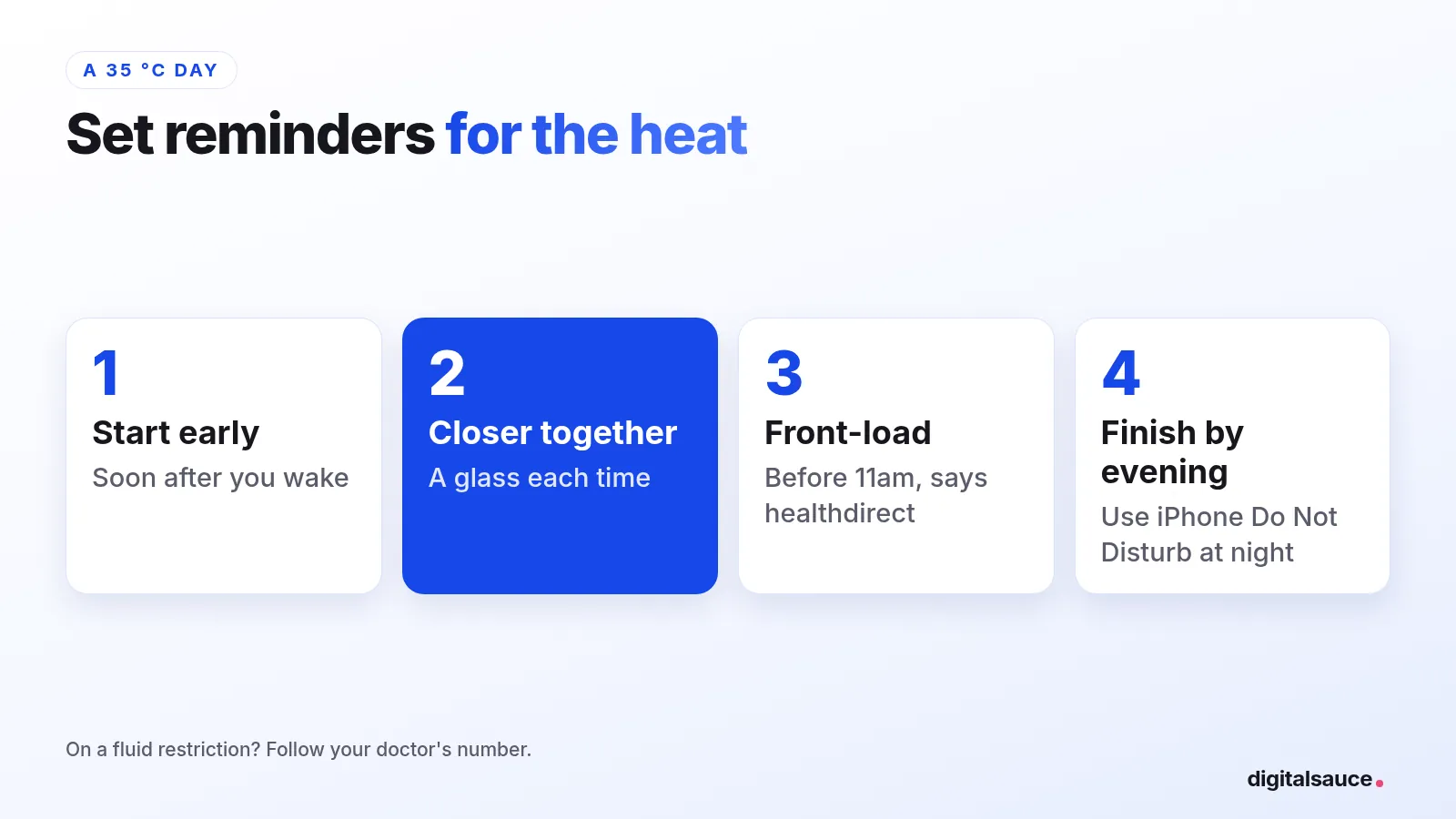
- Start early. First reminder soon after you wake, before the heat builds.
- Space them closer on hot days, so each one is a glass, not a bottle.
- Front-load the morning, as healthdirect suggests avoiding being outdoors between 11am and 3pm on hot days.
- Finish by evening. Get most of your water in before dark. Hydration Hero has no quiet-hours setting of its own, but your iPhone's own Do Not Disturb (an iOS setting, not an app setting) silences notifications from every app, including Hydration Hero, so switch that on for the night.
Try it: plan tomorrow's reminders
4,000 ml: 16 glasses, a reminder about every 53 minutes, in 250 ml glasses.
If your doctor has told you to limit fluids, for example for a heart or kidney condition, follow their number. The Better Health Channel says to ask your doctor how much to drink during extreme heat.
What about outdoor work and kids' sport?
Reminders on a phone in your pocket are easy to miss on a worksite or the sideline. A few things work better:
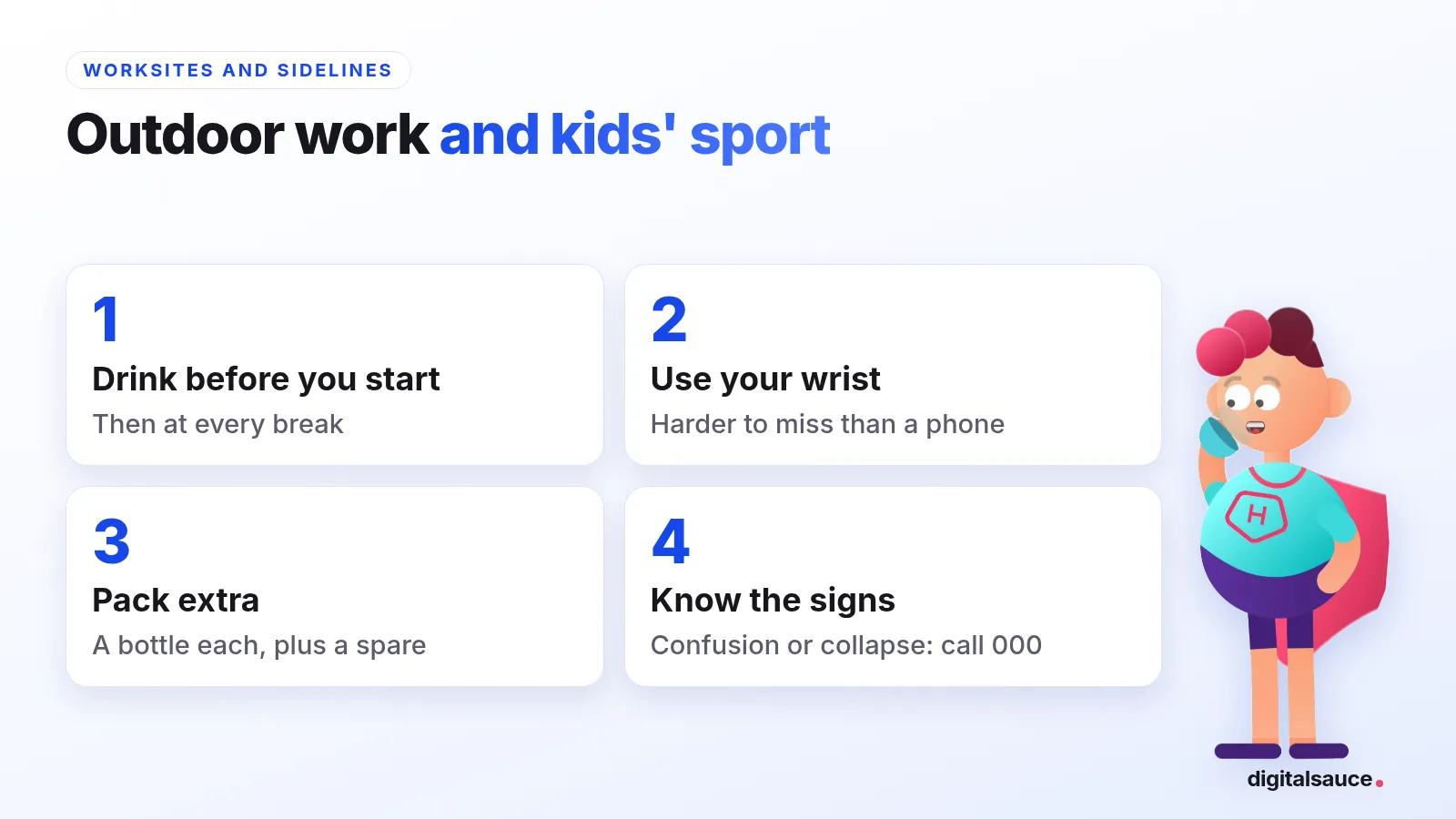
- Drink before you start, then at every break, not only when the phone buzzes.
- Use your wrist. A watch tap is harder to miss than a phone in the ute.
- Pack more than you think: a bottle for each kid, plus a spare.
- Know the warning signs: thirst, dark wee, headache and dizziness are early signs of dehydration; confusion or collapse is an emergency.
For more on the signs, see our dehydration symptoms in hot weather checklist. If you work outside, our page for outdoor workers has more.
How does Hydration Hero help on hot days?
Hydration Hero sends gentle reminders at intervals you choose, and its Power Up raises your daily goal with the weather in your area and your activity, so a scorcher automatically means a bigger target. Its App Store listing calls this "Goals that adapt to your day: built for Aussie heat".
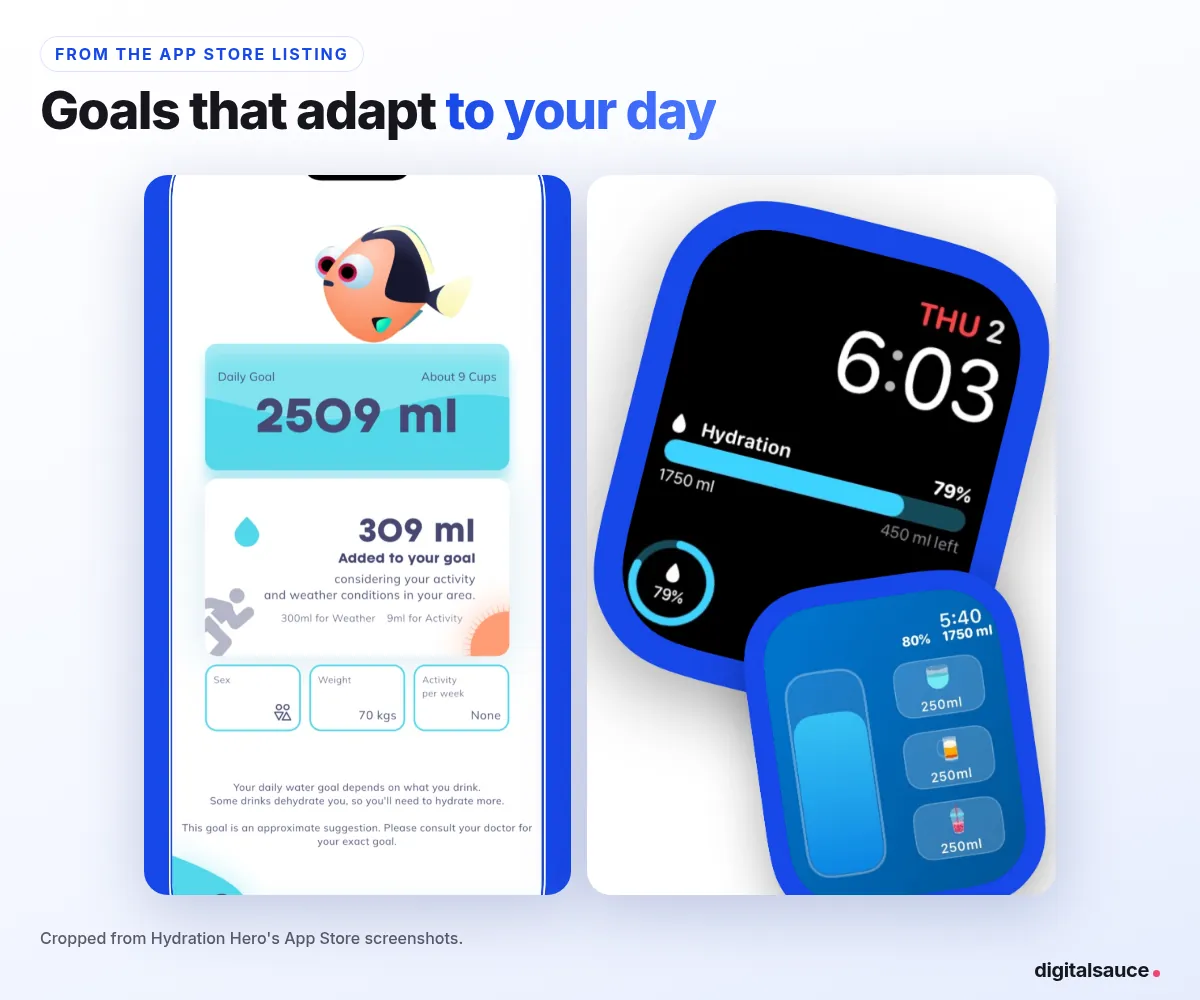
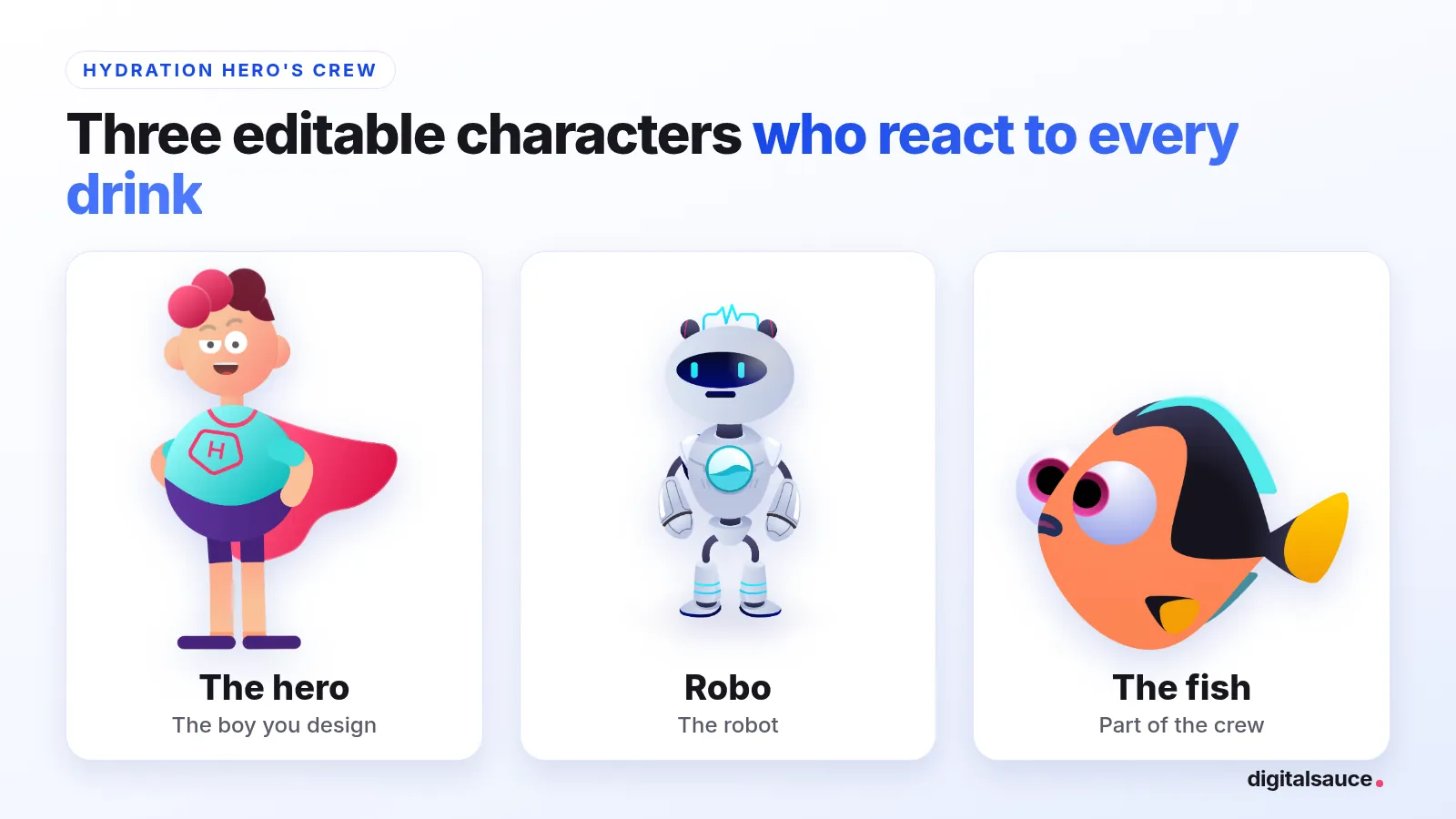
You can log a drink with one tap on Apple Watch (even without your iPhone nearby), with Siri, or from a home or lock screen widget. And there's a small game: pick one of three characters you can edit (the hero, Robo the robot or a fish), and they react to every drink you log, a bit like a Tamagotchi. If you allow access, it writes your water to Apple Health.
It's free to download on iPhone, iPad, Apple Watch and Android, with optional in-app purchases. Where it isn't the right tool: it can't tell whether you're dehydrated or spot heat illness, it's not a medical device, and it has no quiet-hours setting of its own (your iPhone's own Do Not Disturb, an iOS setting, silences it along with every other app). Prefer no app? A marked bottle and the wee check (pale yellow is the goal) work fine.
Frequently asked questions
How much water should I drink in a heatwave?
There's no single official amount. healthdirect suggests about 2.1 to 2.6 litres of fluids a day for adults, plus extra in hot weather and when you're active, and says to drink regularly even before you're thirsty. If your doctor limits your fluids, ask them how much to drink during extreme heat.
Can you drink too much water?
It's rare, but yes. healthdirect says drinking too much water can lead to a dangerous but rare condition called hyponatraemia, where the sodium in your blood gets too low. People with kidney, heart or liver disease should ask their doctor how much to drink.
Will the reminders wake me up at night?
Not if your iPhone's Do Not Disturb is on. Hydration Hero has no quiet-hours setting of its own, but your iPhone's own Do Not Disturb (an iOS setting, not an app setting) silences notifications from every app, including Hydration Hero, so turn it on for the night.
Does the app work with Apple Watch?
Yes. Hydration Hero has an Apple Watch app where you can log water with one wrist tap, and it's also on iPhone, iPad and Android.
Related reading
- Water reminder app for Apple Watch: the best picks for your wrist
- How much water should you drink a day?: the Australian guidelines, explained
- How much water to drink for exercise and hot weather: training in the heat
- Hydration Hero for outdoor workers
- Water intake calculator: your daily number, adjusted for exercise and weather
- All posts on the blog
Sources
- Drinking water and your health, healthdirect Australia (last reviewed December 2025)
- Hot weather risks and staying cool, healthdirect Australia (checked 5 November 2026)
- How to cope and stay safe in extreme heat, Better Health Channel, Victorian Department of Health (reviewed 9 December 2024)
- Hydration Hero: Water Reminder, App Store listing (checked 5 November 2026)
Written by Sanket Singh, founder of Digital Sauce (I make Hydration Hero), and checked against the sources above on 5 November 2026. General information, not medical advice. If you're worried, see a doctor or call healthdirect on 1800 022 222. In an emergency in Australia, call 000.